7 Best Wedding Photo Sharing Tools
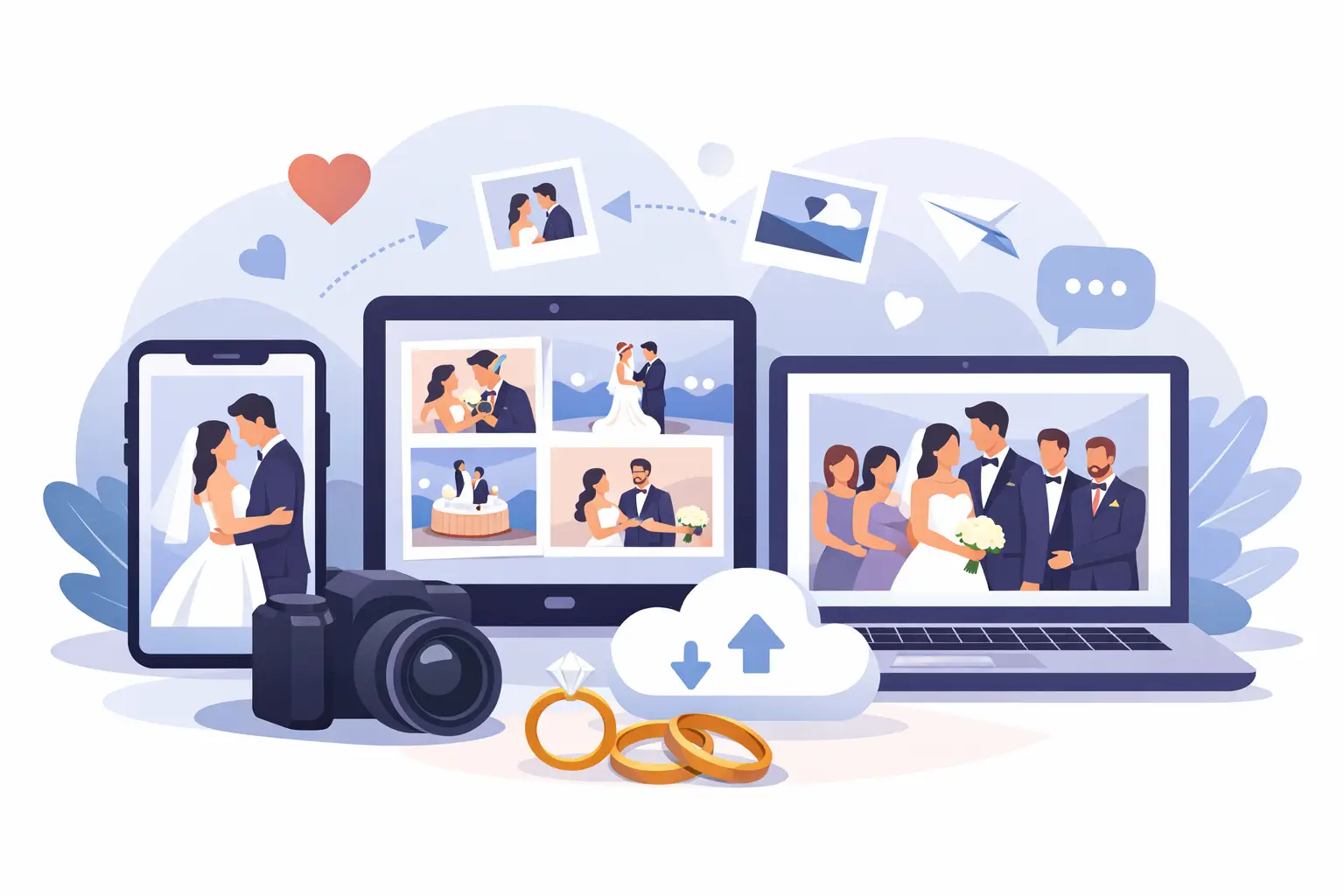
Your photographer will capture the kiss, the first dance, the portraits you frame. But the photo of your college roommate crying during vows, your nephew stealing a second cupcake, and your parents laughing at a table in the corner? Those usually live on someone else’s phone. The best wedding photo sharing tools solve that problem by turning scattered guest photos and videos into one place you can actually keep.
That sounds simple, but wedding photo collection breaks down fast in real life. Guests forget to send pictures. Group chats compress files. Older relatives do not want to download another app. AirDrop only helps the people standing nearby. And by the week after the wedding, the moment has passed and half the candid photos are gone for good.
If you are choosing a tool for your wedding, the right question is not just, Which app has the most features? It is, Which one will guests actually use without help? That is where the difference between a nice idea and a complete album becomes very clear.
What the best wedding photo sharing tools get right
At a wedding, friction is everything. Even one extra step cuts participation. If guests need to create an account, install an app, remember a password, or search for a shared folder later, many simply will not do it.
The strongest tools remove that resistance. They let guests scan a QR code, upload in a browser, and move on in seconds. For couples, they keep files organized, preserve image quality, and make it easy to download everything after the event. Privacy matters too. Most couples want a joyful, shareable experience, but they do not necessarily want their wedding album floating around on public social media.
A good wedding photo sharing platform should also feel like part of the day, not a clunky add-on. Printed QR table cards should look polished. The gallery should update quickly. The setup should take minutes, not an afternoon.
7 best wedding photo sharing tools to consider
1. Wedding-specific QR upload platforms
For most couples, this is the smartest option because it matches how weddings actually work. Guests scan a QR code at the table, open a browser page, and upload photos and videos without downloading anything. That one detail changes everything.
The best version of this category is designed around weddings from the start, not adapted from a generic file-sharing product. That means private albums, elegant QR signage, live gallery viewing during the reception, and full-resolution downloads after the event. It also means less explaining to guests and less chasing afterward.
This is the category that usually creates the most complete album because it is the easiest for the widest range of guests. If you want something polished, low-effort, and private by default, this is likely your best fit. Platforms like wed.photo are built precisely for that experience.
2. Shared cloud folders
A shared folder through a cloud storage service can work if your crowd is small and very comfortable with technology. The appeal is obvious: many people already know these tools, and couples like the idea of a simple folder where everyone drops files.
The trade-off is participation. Guests often need the right app, the right permissions, or a sign-in. Some will upload later and forget. Others will send photos by text instead because it feels easier. Cloud folders are functional, but they are not naturally wedding-friendly, and that gap usually shows.
If you care most about storage and less about guest experience, this option can be enough. If you care about collecting as many candid moments as possible, it often falls short.
3. Group messaging apps
Many couples default to a text thread, family group chat, or messaging app because everyone already uses one. It feels casual and immediate, especially for pre-wedding events or a very intimate celebration.
But this is where quality and organization disappear fast. Photos get compressed, videos become hard to save, and important moments vanish under unrelated messages. Guests from different parts of your life may not want to join the same thread, and larger weddings make this option unmanageable.
Messaging apps are easy in the moment, but they rarely produce a clean archive you will want to revisit years later.
4. Social media hashtags and shared stories
Hashtags had a moment for weddings, and they still appeal to couples who want a public, energetic feel. If your guests are active on social platforms, a hashtag can surface some fun candids and create buzz during the celebration.
The downside is control. Not every guest posts. Not every post uses the hashtag. Privacy is limited, image quality is inconsistent, and platforms change how content is surfaced or saved. It also excludes guests who prefer not to share publicly, which is often more people than couples expect.
This can be a nice extra layer if you enjoy social sharing, but it is a weak primary system for preserving your wedding memories.
5. Custom wedding websites with gallery features
Some wedding website builders include photo sharing or guest gallery add-ons. If you already use one for RSVPs and travel details, keeping everything under one digital roof can sound appealing.
Sometimes it works well enough for simple needs. But photo sharing is usually not the core product, which means the upload flow may be basic, storage may be limited, and the experience may feel secondary compared with dedicated tools. Couples often assume this will be the easiest route, then discover the gallery feature is more of a bonus than a polished solution.
If convenience matters more than performance, this can be a reasonable middle ground. Just check what the upload process actually looks like for guests before you rely on it.
6. Disposable camera alternatives with digital upload
Some couples love the nostalgia of disposable cameras but want the convenience of digital collection. A few tools try to recreate that feeling with simple upload prompts, table cards, or event-specific photo stations.
This approach works best when the experience feels playful and intentional. It can encourage guests to capture more candid moments than they otherwise would. But the quality of the final album depends heavily on the upload flow. If it is cute but confusing, participation drops.
This category is great for style-conscious couples who want a modern take on a classic wedding idea. Just make sure the charm does not come at the cost of usability.
7. Full event apps
Some event platforms offer schedules, maps, announcements, messaging, and photo sharing in one app. On paper, that sounds efficient. In practice, it can be more product than a wedding needs.
For destination weddings or multi-day events, an all-in-one app may be useful. For a typical wedding day, it often adds unnecessary setup and one major barrier: guests have to install something. That single requirement tends to reduce uploads, especially among older family members or anyone who does not want another app on their phone.
These tools can be powerful, but power is not always the goal. For many weddings, simpler wins.
How to choose the best wedding photo sharing tools for your day
Start with your guest list, not the feature grid. If you are inviting 120 people across generations, ease of use should outrank almost everything else. A tool that looks advanced but asks too much of guests will underperform a simpler one with a cleaner upload path.
Then think about what happens after the wedding. Do you want one organized album with full-resolution downloads? Do you want live uploads during the reception? Do you care whether your gallery is private by default? Those answers narrow the field quickly.
Design matters more than people admit. A wedding is emotional and visual. If your QR cards look elegant and the upload page feels polished, guests are more likely to trust it and participate. If it feels generic or awkward, it gets ignored.
Finally, be honest about your own tolerance for follow-up. If you do not want to spend the week after your wedding texting guests for photos, choose a tool built to collect everything in real time.
The features that matter most
There are plenty of nice-to-haves, but a few features consistently make the difference. Browser-based uploads are huge because they remove the app hurdle. QR access matters because it gives guests a fast, obvious entry point. Full-resolution preservation matters because compressed files are disappointing when you print or archive them later.
Private albums are equally important for many couples. Your wedding is personal. You may want guests to contribute freely without making every moment public. And if a platform offers live gallery updates, that can add a lovely layer during the reception, especially for slideshows or next-day reliving.
Pricing structure matters too. One-time pricing often feels better for a wedding than another monthly subscription you have to remember to cancel.
What most couples regret
It is rarely choosing a tool that is too simple. It is choosing one that seemed fine during planning but created friction on the day itself.
The common regrets are predictable: too many guests never uploaded, files came through blurry, the album felt scattered, or the setup required more explanation than expected. Couples also regret assuming they could collect everything later. Usually, they cannot.
The best choice is usually the one that asks the least from guests while giving you the most complete result. That is the real standard.
Your wedding will move quickly. The right tool lets the candid moments keep pace with it, so when the music fades and the flowers are gone, the memories are already waiting for you in one beautiful place.