Digital Wedding Album vs Shared Drive Compared
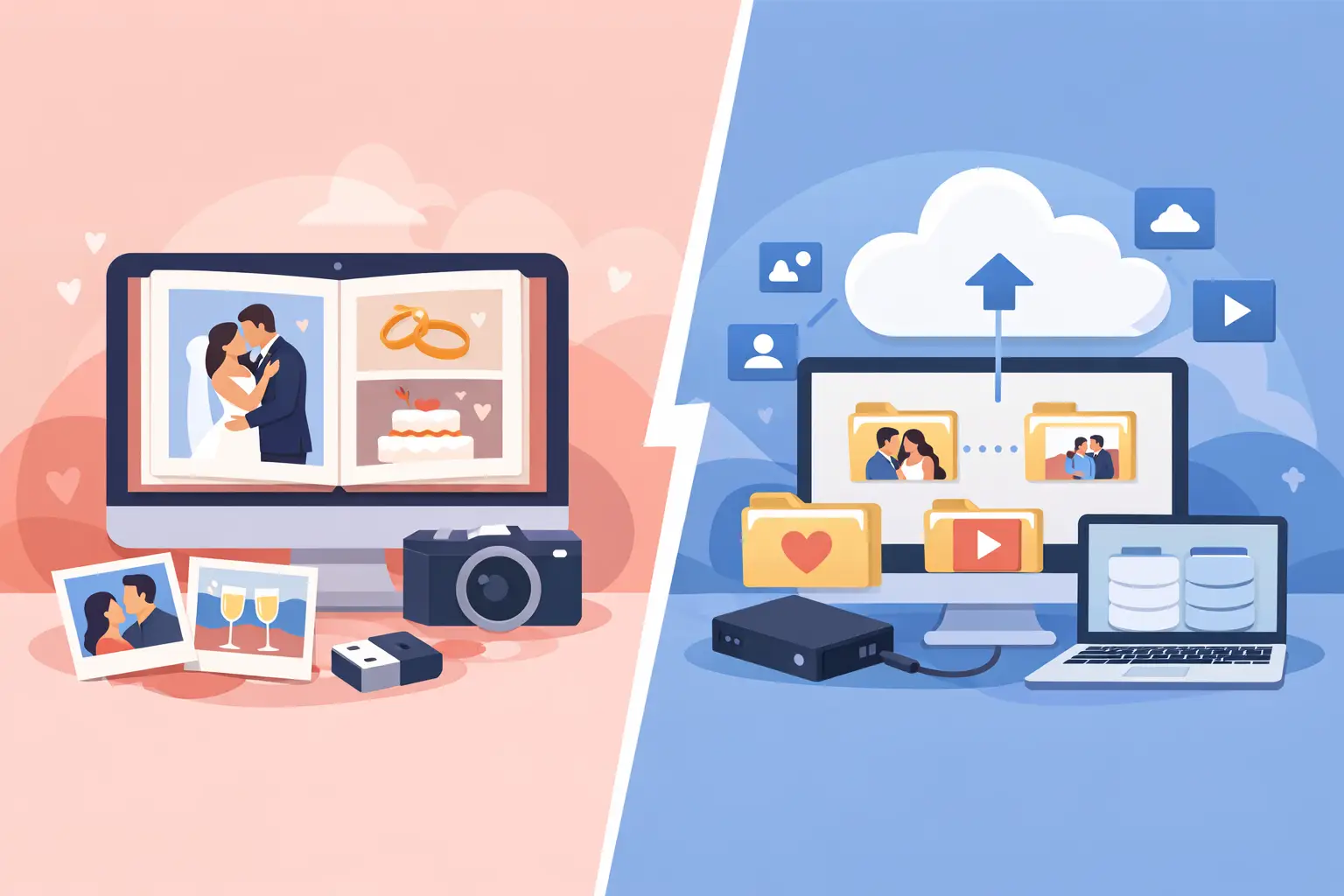
The last song has played, the flowers are packed away, and your phone is already buzzing with, “Send me that photo!” This is where the digital wedding album vs shared drive choice becomes real. One can turn guest memories into a beautiful part of the celebration. The other can leave you chasing folders, permissions, and files with names like IMG_4829.
A shared drive is familiar, and for some weddings it is perfectly adequate. But a wedding is not a work project. Your guests should not have to navigate folder structures, request access, or figure out whether their videos actually uploaded. They should be able to scan, share, and get back to the dance floor.
Digital wedding album vs shared drive: the real difference
Both options give guests a place to send photos and videos. The difference is the experience around that simple task.
A shared drive is built for file storage. It asks someone to create folders, set permissions, share a link, and hope every guest understands what to do next. It can work well for a small group of organized people who already use the same platform. But it does not feel designed for a reception full of guests ranging from college friends to grandparents.
A digital wedding album is built around a single moment: your guests see a QR code, scan it with their phone, and add the candid memory they just captured. The photos arrive in one private gallery that feels like part of your wedding, not an administrative task after it.
That distinction matters because the best guest photos are often spontaneous. Your best friend’s speech. Your niece asleep under the table. The full dance floor during your favorite song. If uploading takes more than a few seconds, many of those moments stay on someone else’s camera roll forever.
Guest participation is where shared drives fall short
The strongest photo collection plan is not the one with the most features. It is the one people will actually use without needing instructions.
With a shared drive, guests may hit a few small barriers. They might need an account, be asked to sign in, receive a permission error, or worry that they are uploading into the wrong folder. None of those issues is dramatic on its own. Together, they create just enough friction for guests to say, “I’ll do it later.” Later rarely happens.
A wedding-specific digital album removes those pauses. A QR code on a table card, welcome sign, or bar menu gives the invitation context. Guests scan, upload from their browser, and keep celebrating. No app. No login. Just memories, together.
This is especially valuable at medium and large weddings, where you cannot personally remind every guest to share what they captured. Clear, elegant prompts do the work for you. The more visible the QR code is throughout the evening, the more natural participation becomes.
The live-gallery advantage
A shared drive usually stays hidden until after the wedding. Guests upload into a folder, then move on. A digital wedding album can create a sense of momentum while the party is still happening.
When uploaded photos appear in a live gallery or reception slideshow, guests see their contributions become part of the celebration. That creates a small, joyful feedback loop. Someone shares a funny photo from cocktail hour, friends see it later that night, and more people remember to upload their own.
Not every couple wants a live slideshow. If you prefer to keep every image private until the next morning, that is a valid choice. But having the option makes a digital album feel more like a wedding experience and less like storage.
File quality, organization, and the memories you keep
A shared drive can preserve original file quality, which is one of its real strengths. If your guests are comfortable using it, it can give you a straightforward place to store full-resolution photos and videos.
The catch is that storage is not the same as an album. Shared drives tend to collect duplicates, screenshots, unclear filenames, accidental uploads, and folders that need sorting later. You may end up with all the files but no easy way to revisit the day.
A digital wedding album pairs preservation with presentation. Your media lives in one organized visual gallery, where you can relive the day as a sequence of real moments rather than a grid of file names. Afterward, you can download everything and keep your full-resolution originals.
That matters beyond the first week after the wedding. Years from now, you are more likely to open a beautiful gallery than dig through a forgotten cloud folder. The value is not only in collecting more media. It is in making those memories easy to find, share, and enjoy again.
Privacy deserves more thought than a public link
Wedding photos are personal. They may include children, emotional family moments, or guests who simply do not want their images floating around publicly. A shared drive can be private, but its settings are often easy to overlook. One incorrect permission choice can make a folder viewable, editable, or shareable more widely than intended.
A private digital album starts from a different premise: these memories belong to you and the people you invited. Guests can contribute without needing broad access to manage the files. Couples can decide whether to display uploads live, who receives the album link, and when it is time to download everything for safekeeping.
For a wedding with sensitive family dynamics, young guests, or a preference for a more intimate celebration, that control offers real peace of mind.
When a shared drive may be enough
There is no need to overcomplicate a simple event. A shared drive may be the practical choice if you are hosting a tiny wedding, have only a handful of contributors, and know those contributors are comfortable with the same storage platform. It can also be useful as a behind-the-scenes backup for planning files, vendor documents, or a private collection shared only with immediate family.
It is less ideal when you want broad participation from a mixed-age guest list, want photos coming in throughout the night, or do not want to spend your first days as newlyweds sending follow-up messages. The problem is not that shared drives are bad tools. They are simply designed for a different job.
What to look for in a digital wedding album
The right platform should feel almost invisible on the day. Your guests should not need a tutorial, and you should not need to become tech support in formalwear.
Look for browser-based uploads so guests do not have to download an app or create an account. Make sure original-quality photos and videos are preserved, especially if you plan to print images or create a photobook later. Choose a service with clear privacy controls, a simple post-wedding download process, and a gallery design you will be happy to share with family.
Presentation matters, too. A QR code can be functional without looking out of place among your menus, florals, and place settings. Printable cards and polished signage help make the request feel like an invitation, not an instruction.
wed.photo was made for this exact rhythm: create a private album, display one QR code, let guests upload from any phone browser, and wake up to the candid moments you missed while you were busy getting married.
Choose the experience you want your guests to have
The better choice is not really about folders versus galleries. It is about whether collecting photos feels like a task or part of the party.
A shared drive can hold files. A digital wedding album can invite participation, protect the moments, and give every guest a simple way to add their point of view to your story. Put the sharing option where people will see it, make it effortless to use, and let the little in-between moments find their way home with you.