How to Display Reception Photos Live at Your Wedding
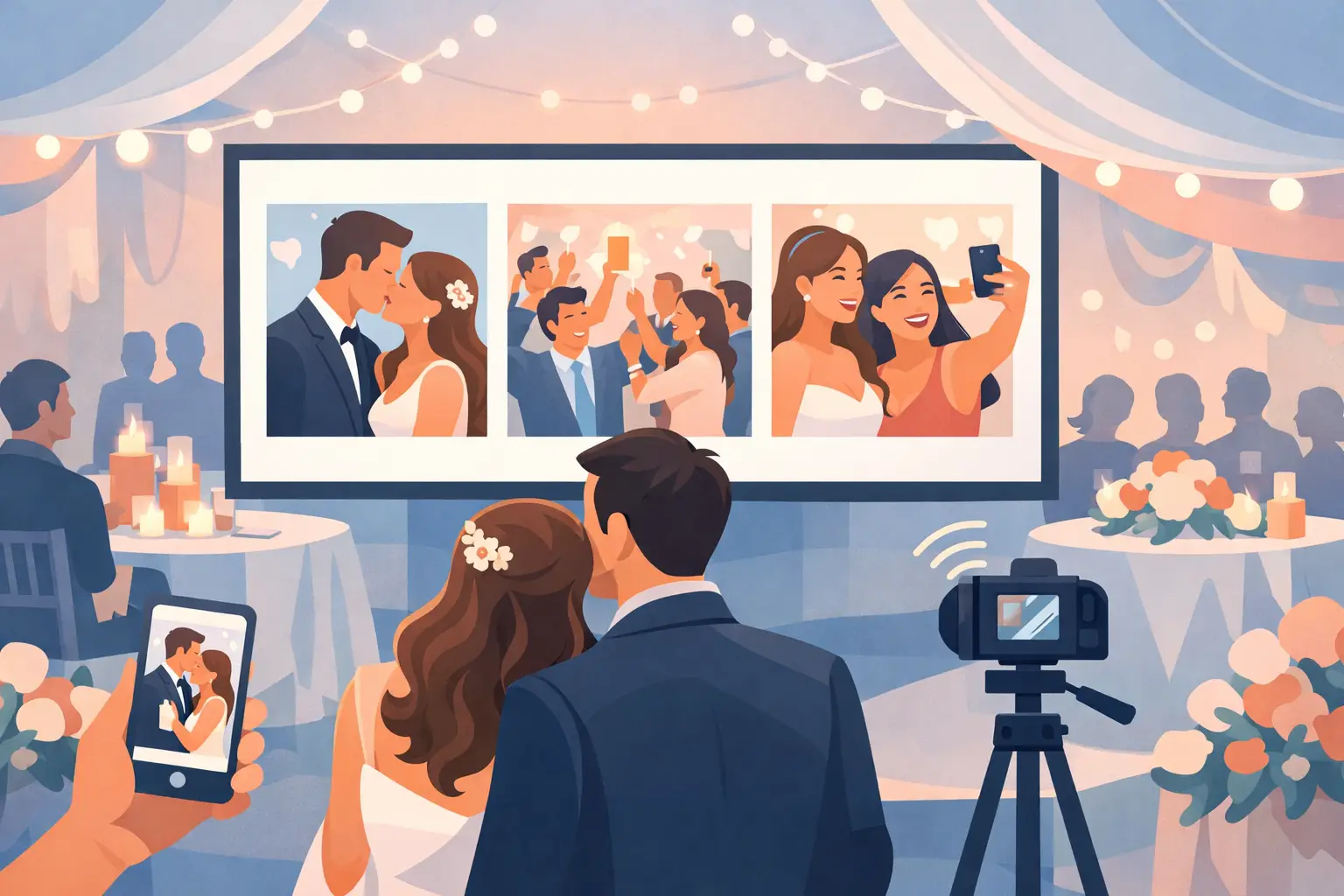
A packed dance floor. Your college friends trying to recreate a photo from ten years ago. Your grandmother laughing with the flower girl. These are the moments guests capture first, and they are exactly why couples choose to display reception photos live instead of waiting weeks to see what everyone took.
A live reception gallery turns guest photos into part of the celebration. People scan a QR code, upload from their phone browser, and watch fresh memories appear on a screen around the room. No app downloads. No collecting photos from six group chats after the honeymoon. Just a shared view of the night as it unfolds.
Why display reception photos live?
Your professional photographer captures the big moments beautifully. Guest photos capture the texture around them: the table-side cheers, the late-night outfit changes, the candid hugs, and the expressions you missed while you were greeting someone else.
Putting those images on a live screen gives guests a reason to participate. It creates a small, joyful loop: someone spots a fun moment, uploads it, and the room gets to enjoy it together. For guests who do not know each other well, it can even become an easy conversation starter between courses or before the dance floor opens.
The key is making participation feel effortless. If the process asks guests to download an app, make an account, or search for a hashtag, many will skip it. A QR code that opens directly to a private upload page is easier to understand at a glance, especially for a mixed-age crowd.
The simplest setup for live reception photos
A live display does not need a complicated production plan. You need a private album, clear QR signage, a screen, and a reliable connection. The experience should feel like a natural part of your reception decor, not another task for your guests.
Create one private album before the wedding
Set up your event album before the weekend begins, then choose the look and name that fit your celebration. With wed.photo, guests can scan one QR code and upload photos or videos from their browser without creating an account. New uploads appear in the private gallery as they arrive, while original files stay full resolution for you to download later.
Give the album a simple, recognizable name. Your names and wedding date are enough. If your venue has Wi-Fi, add the network name and password near the QR code so guests can upload without relying on spotty cellular service.
Place QR codes where guests will actually notice them
One QR sign by the guest book is rarely enough. Put it in the natural pauses of the evening: on cocktail tables, at the bar, near the dinner tables, and beside the screen where photos are being displayed.
Printed table cards are especially effective because guests have time to scan while they sit down, wait for dinner, or take a breather from dancing. Keep the instruction short: “Scan to share your photos and see them live.” The screen itself will do the rest of the explaining.
Connect the gallery to a screen
A venue television, projector, or rented display can all work. For an intimate wedding, a single large screen near the dance floor is often enough. For a larger ballroom, ask your DJ, venue coordinator, or audiovisual team whether they can show the gallery on existing displays.
Use a dedicated laptop or tablet connected by HDMI when possible. Wireless casting is convenient, but it can be less dependable in a crowded venue full of phones and Bluetooth devices. Set the device to stay awake, open the gallery in full-screen mode, and have one trusted person confirm it is still running after dinner begins.
Choose the right moment to start the slideshow
Live photos are most entertaining once guests have settled in and started taking candid pictures. Consider turning on the display during cocktail hour, after dinner, or as the dance floor opens. Starting too early can mean a screen full of arrival photos before the energy has built.
If you are worried about seeing every upload immediately, introduce a brief review step before images reach the display. That is a smart choice for receptions with lots of children, a lively after-party crowd, or guests who may not understand the tone you want for the screen.
For most weddings, a private gallery plus light moderation offers the best balance. You still get the magic of real-time photos, but someone you trust can quietly remove an accidental duplicate, a blurry pocket photo, or anything you would rather not show in front of your grandparents.
Make the screen feel like part of the wedding
The display should invite participation without competing with the room. Place it where guests can see it, but avoid putting it behind your head table or directly beside the dance floor where it may distract from speeches and special dances.
A slideshow with generous spacing and a clean background usually feels more polished than a fast-moving feed. Let each image stay on screen long enough for guests to recognize the people in it. If your screen supports it, show a mix of vertical and horizontal images without cropping faces.
It also helps to set expectations with your DJ or emcee. A quick mention before dinner can make a major difference: “Scan the QR code on your table to share photos from tonight. We will be showing them on the screen throughout the reception.” One sentence is all it takes.
Keep guest uploads easy and private
A wedding photo display works best when the instructions are almost invisible. Guests should not have to remember a hashtag, download a social platform, or wonder whether their photos are public. A private album gives everyone more confidence to share the candid, unfiltered moments that make the collection special.
Privacy matters beyond the reception, too. Public social posts can be missed, compressed, or shared beyond the people you invited. A private gallery keeps the memory collection centered on your wedding, with one place for photos and videos from every generation of guest.
Ask guests to upload throughout the night rather than saving everything until the end. A gentle line on the table card can help: “Take a photo? Add it now.” The more immediate the upload, the more likely it is to become part of the live experience.
Plan for the practical details
The best live gallery is simple, but a few small decisions prevent avoidable hiccups. Test the QR code from multiple phones before printing anything. Check that it opens quickly on both iPhone and Android devices, and make sure the screen can access the gallery through the venue’s internet connection.
Bring a backup. If the venue Wi-Fi is unreliable, use a phone hotspot for the display device or ask whether the audiovisual team has a dedicated network. Keep the laptop charger, HDMI adapter, and remote in one labeled bag. These details are unglamorous, but they protect the experience you planned.
It is also worth assigning one person who is not you. Your planner, a sibling, a friend, or your DJ can be the point person for the screen. They can restart the slideshow if needed and answer the occasional “Where do I scan?” question while you stay present for your own reception.
What happens after the last dance
The screen is only the beginning. The real value is waking up to the photos you never knew existed: a guest’s view of your first dance, a video from the back of the dance floor, or the candid photo of your parents sharing a quiet moment at their table.
Because the files are collected in one organized album, there is no post-wedding chase. You can revisit the gallery together, download the full-quality photos and videos, and save the ones that belong in your wedding album or thank-you notes.
A live gallery gives your guests a way to add to the story while it is still being written. Set it up simply, place the QR code where people can see it, and let the room show you the celebration from every angle.