7 Guest Photo Sharing Alternatives for Weddings
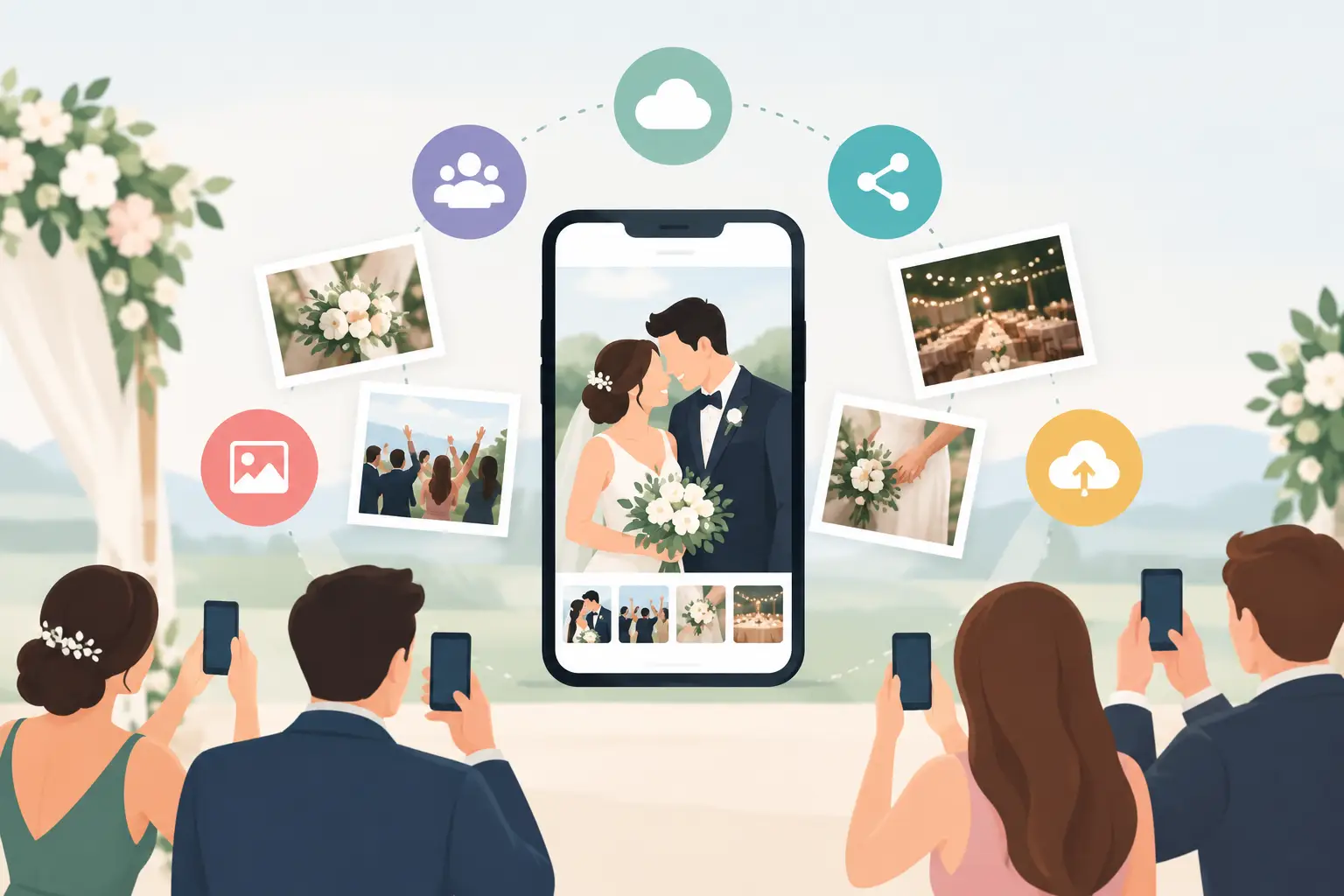
Your guests will catch the moments no one else sees: your college roommate fixing your veil, your grandparents laughing at dinner, the dance floor getting wonderfully unhinged. The challenge is getting those photos back before they disappear into a dozen text threads. These guest photo sharing alternatives each solve part of that problem, but the right choice depends on how much friction you are willing to put in front of your guests.
What a good guest photo solution should do
A wedding photo-sharing plan is not just about creating a place to upload. It needs to work in the few seconds between a guest taking a photo and moving on to the next toast, hug, or song. If the process asks them to download an app, remember a password, or hunt through an invitation later, many of those candid images will stay on their phone.
Look for four things: easy access, private sharing, full-resolution files, and a simple way to download everything afterward. The best option for a 25-person backyard dinner may not be the best fit for a 200-person reception with guests across several generations.
7 guest photo sharing alternatives to consider
1. A group text thread
A group text is the fastest option to start. Everyone already knows how it works, and guests can send a favorite photo immediately after the ceremony or the next morning. For a small wedding with a close-knit group, that may be enough.
The trade-off is chaos. Photos get mixed with replies, GIFs, travel updates, and duplicate images. File quality may be reduced, and the thread can become difficult to search once it grows. You also end up doing the follow-up work yourself, asking people to resend the photos they forgot to share.
2. A shared cloud album
Shared albums through a familiar photo storage service give your guests one central destination and can keep images more organized than a text thread. They are especially useful when your family already uses the same phone ecosystem or storage account.
Still, shared albums often create small barriers that add up. Guests may need an account, an app, or the right permissions before they can contribute. Some will see the invitation and mean to upload later, then forget. Before choosing this route, test it with someone who uses a different type of phone than you do.
3. A private social media group
A private group can bring photos, comments, and celebration into one lively place. It works well for couples whose guests are already active on the same platform and enjoy seeing the wedding unfold together after the event.
It is less ideal as your only archive. Not every guest wants to use social media, image quality may be limited, and your memories remain tied to a platform built for scrolling rather than preserving a wedding album. Privacy settings can also feel uncomfortable for couples who want to control exactly who sees their day.
4. A wedding hashtag
A hashtag makes it easy for guests to contribute photos they are already posting publicly. It can also create a fun sense of shared momentum during the reception, particularly for a crowd that loves Instagram or TikTok.
But a hashtag is a social sharing prompt, not a complete collection system. Many guests will not post their best candid photos publicly. Others do not use those platforms at all. You may also miss videos, private images, and anything posted with a typo or no hashtag. Think of a hashtag as an optional extra, not the place you keep every memory.
5. An email address or upload folder
Some couples set up a dedicated email address or invite guests to add files to a shared folder. This approach can preserve original files and gives you more control over how everything is stored.
The downside is that it feels like homework. Typing an email address correctly, attaching a large video, or finding a folder link after the wedding takes more effort than most guests will give in the moment. It can work for a photographer, wedding party, or a few organized family members, but it is not designed for capturing a full room's spontaneous photos.
6. Disposable cameras or instant cameras
Film and instant cameras create a beautiful kind of surprise. They invite guests to be playful, leave you with physical keepsakes, and fit naturally into a nostalgic wedding design. If the look of imperfect, candid prints matters as much as convenience, they can be a lovely addition to the tables.
They are also limited. Cameras get misplaced, film runs out, and some guests may be unsure how to use them. You will need to develop or scan the photos later, and video is off the table. Consider them a creative companion to digital collection, rather than a replacement for it.
7. A QR code guest album
A QR code guest album is built around the behavior you actually want: a guest takes a photo, scans a code, and adds it right away. Place the code on table cards, a welcome sign, or near the bar, and the invitation to contribute stays visible throughout the celebration.
This option is particularly strong for medium and large weddings because it removes the usual reasons people do not share. There is no searching for a link in an old message, no need to exchange phone numbers, and no reason to wait until they get home. A private, browser-based album can collect photos and videos in one place while the party is still happening.
With wed.photo, guests scan, upload, and watch the gallery fill in real time, without installing an app or creating an account. Couples can keep the album private, preserve full-resolution files, and download their collection after the wedding. It is a simple answer when you want your guests to participate without turning them into event tech support.
How to choose between guest photo sharing alternatives
Start with your guest list, not the feature list. If you are hosting an intimate dinner with 20 people who text every day, a group thread may feel personal and perfectly sufficient. If you have 150 guests, multiple friend groups, and relatives who are not on social media, a QR-based album is likely to collect far more.
Next, decide what matters most after the wedding. If you want a few funny snapshots, a hashtag or group chat may do the job. If you want a complete private archive of photos and videos, choose a method that does not compress files or require you to chase contributors for weeks.
Finally, consider the guest experience. The best instructions are almost invisible: scan here, add your photos, enjoy the celebration. A small sign with a clear QR code will usually outperform a long paragraph in a wedding website, because it meets guests at the exact moment they have something worth sharing.
Make participation feel natural
Whatever method you choose, introduce it early and keep the ask warm. Add a short note to your wedding website, then place the same instruction where guests will see it at the reception. A quick mention from the DJ, officiant, or a member of the wedding party can help, especially before the dance floor opens.
Do not over-explain. Guests do not need a technical walkthrough. They only need permission to capture the real, unfiltered moments you might otherwise miss. When sharing feels easy, people participate generously.
The photo of your first dance matters. So does the blurry, joyful video your cousin takes five minutes later, when everyone is singing along. Give those memories a home while they are still happening, and you will wake up with more of your wedding day waiting for you.