How to Create a Live Wedding Slideshow Easily
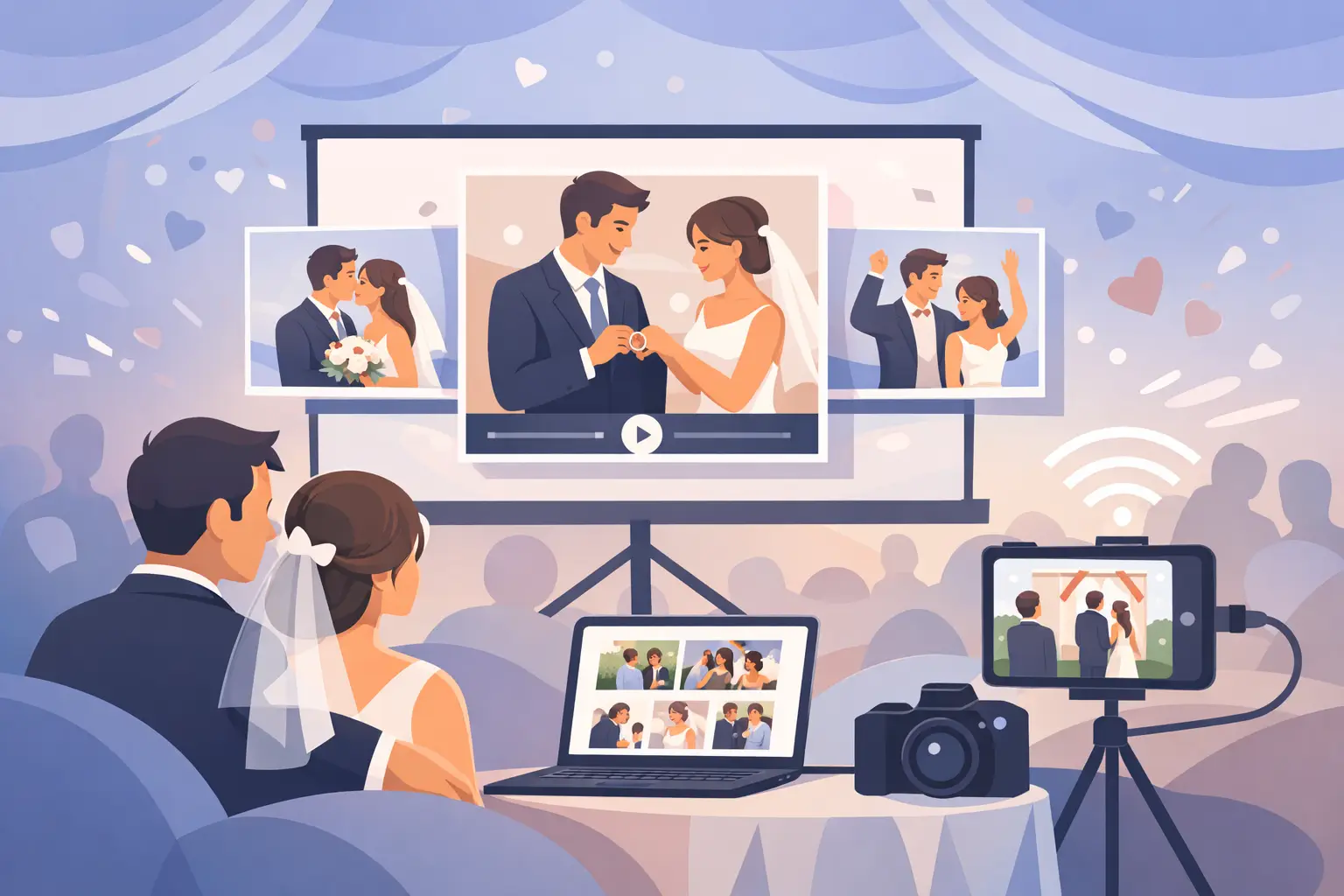
The dance floor is full, your best friend is making a toast, and someone across the room catches a photo you would have missed completely. That is the magic of a live gallery. Learning how to create a live wedding slideshow gives those candid moments a place at the party while the celebration is still happening - not weeks later in a forgotten group chat.
A great live slideshow feels effortless to guests. They scan a QR code, share a photo or video from their phone, and watch new memories appear on a screen around the reception. For you, it means fewer photos to chase down after the wedding and a fuller picture of the day you worked so hard to plan.
Decide what your live wedding slideshow should do
Before choosing a screen or sending out QR cards, decide what role the slideshow will play. Some couples want a quiet stream of guest photos looping near the bar or lounge. Others want it to become part of the reception energy, with fresh images appearing throughout dinner and dancing.
Both approaches work. The best choice depends on your venue, guest count, and comfort level with spontaneous photos on display. A black-tie dinner may call for a slower, more curated gallery. A high-energy celebration can handle an active feed of selfies, dance-floor videos, and behind-the-scenes moments.
The important part is setting the expectation: this is a guest-powered collection of memories, not a replacement for your professional photographer. Your photographer captures the moments you planned for. Your guests capture the hug between cousins, the flower girl’s funny face, and the last song from a dozen different angles.
Choose a simple guest upload experience
The upload step determines whether your slideshow fills up or stays mostly empty. Guests should be able to contribute in seconds, from the phone already in their hand.
Avoid any setup that requires downloading an app, making an account, or remembering a complicated event code. Those extra steps may seem small during planning, but they become a reason not to participate when guests are dressed up, catching up with family, or heading to the dance floor.
A QR code is usually the easiest answer. Place it where people naturally pause: on reception tables, near the guest book, beside the bar, and close to the photo booth if you have one. When a guest scans it, they should land directly in your private album and be able to upload immediately.
With wed.photo, couples can create a private album, share one QR code with guests, and display incoming photos in a live gallery. There is no app and no login for guests. That keeps the experience clear for every generation at the wedding.
Give guests a reason to scan
A QR code alone can blend into the décor. Add a short, warm prompt that tells guests exactly what to do and why it matters. Something as simple as “Help us capture every candid moment” or “Scan, snap, and share your view of the day” works well.
Keep the wording visible and friendly. Guests are much more likely to contribute when they understand that their photos are wanted, not merely allowed.
Set up the screen before the wedding day
Your live wedding slideshow needs a reliable display, an internet connection, and a device to run it. In many venues, this can be as simple as a TV or projector connected to a laptop, tablet, or streaming device. Ask your venue or DJ what equipment is already available before renting anything extra.
For a small reception, a single TV near the bar can feel personal and inviting. For a large ballroom, a projector and screen may be easier for more guests to see. If your venue has multiple rooms, consider placing the slideshow where people will spend the longest stretches of time, rather than trying to cover every space.
Test the screen from a guest’s perspective. Is it bright enough in the room? Is the text readable? Does the slideshow look good with your lighting and décor? A display that works beautifully at home may look washed out beside bright windows or under reception lighting.
It is also wise to assign one person to handle the technical side. This could be a planner, a trusted friend, a venue coordinator, or your DJ. They do not need to manage every photo. They simply need to know how to reconnect the device if Wi-Fi drops or the screen goes to sleep.
Make Wi-Fi part of the plan
Live uploads depend on a connection guests can actually use. Many wedding venues offer Wi-Fi, but the guest network may be slow, password-protected, or unreliable once hundreds of phones arrive.
Ask the venue these questions well before the event: Is guest Wi-Fi available in the reception space? What is the network name and password? Will the screen device use the same network? Is there a stronger private connection for vendors or the DJ?
If the venue’s Wi-Fi is questionable, a dedicated mobile hotspot can be a helpful backup. Test it in the actual reception area if possible. Thick walls, remote venues, and crowded rooms can all affect signal strength.
Do not let a less-than-perfect connection stop you from collecting memories. Guests can still upload when service improves, and your gallery can continue growing after the wedding. The live element is lovely, but the lasting win is having every photo gathered in one place.
Protect the mood and your privacy
A live slideshow is more fun when it feels safe. Choose a private album rather than asking guests to post publicly on social media. You should be able to decide who has access and keep your wedding memories for the people who were part of the day.
Think about moderation, too. Most guest photos will be sweet, funny, and completely welcome. Still, you may prefer to review uploads before they appear on a large screen, especially if children are attending or your celebration includes an open bar and a very enthusiastic friend group.
There is a trade-off. Automatic display creates instant excitement, while approval gives you more control. Neither is wrong. Choose the option that lets you relax and enjoy your reception.
You can also set a few gentle boundaries in your QR sign wording. For example, invite guests to share candid photos and short videos, and ask them to save formal ceremony photography for the professional team. This keeps the gallery varied without turning the ceremony into a wall of raised phones.
Plan the slideshow pacing
A slideshow should feel alive, not frantic. Set photos to stay on screen long enough for guests to recognize the moment, usually several seconds each. If videos are included, decide whether they play with sound. In a loud reception, silent clips often work better, especially when the DJ or band is already providing the soundtrack.
Mix in a welcome image or a favorite engagement photo at the beginning. It gives the display a polished opening while guest uploads begin arriving. Later in the evening, the gallery naturally becomes more personal as dinner photos give way to dance-floor moments.
If you are worried about a sparse gallery early on, ask your wedding party and immediate family to upload a few photos right after arriving. You are not staging the experience. You are simply giving it a warm start.
Invite participation at the right moments
The easiest time to encourage uploads is before the reception gets busy. Include the QR code on table cards, mention it on a welcome sign, and ask your DJ or emcee to make one short announcement after guests are seated.
One announcement is often enough. Repeating it too often can make the slideshow feel like a task. A well-placed reminder before dancing begins is a better choice than several interruptions throughout the night.
You can also make the gallery part of a specific moment. Ask guests to upload their favorite photo before the newlyweds’ last dance, or invite them to share a quick video message during cocktail hour. A small prompt turns participation into a memory of its own.
Keep the full-resolution originals
A screen is only the beginning. After the wedding, you will want the actual files - not compressed images pulled from a text thread or a social media post. Make sure your photo collection tool preserves full-resolution uploads and makes downloading straightforward.
This matters when you want to print an image, create a photobook, or save a favorite video for years to come. It also means your guests’ photos can live beside your professional gallery instead of disappearing into temporary messages.
A quick wedding-day checklist
Before the reception begins, confirm that your QR cards are visible, the display is connected, the slideshow is open, and the backup contact knows where the device and Wi-Fi details are. Upload a test photo from a phone to make sure it reaches the live gallery.
Then let it go. Your wedding is not a production to supervise from the head table. Once the system is in place, your only job is to be in the moments people are excited to capture.
A live slideshow is at its best when it feels like a little window into the celebration your guests are experiencing alongside you. Long after the music ends, those unplanned photos may be the ones that bring you right back to the room.