How to Create a Wedding Slideshow Guests Love
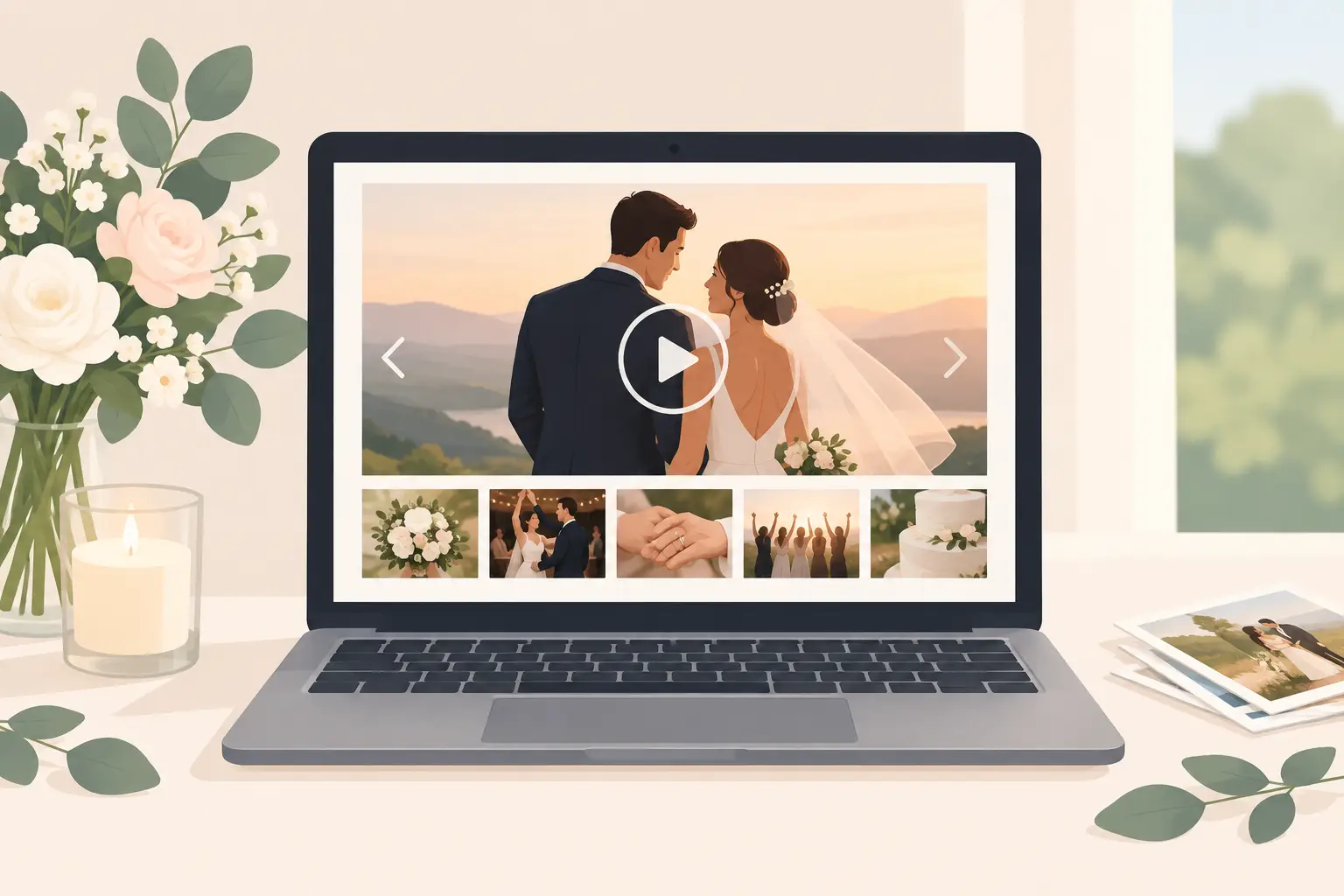
A wedding slideshow can turn the quiet minutes between dinner and dancing into something unexpectedly moving: your best friends laughing at the bar, your grandmother hugging a cousin, the flower girl proudly showing off her petals. These are the moments a professional photographer may not see, and they are often the ones you will want to revisit most.
The best version is not a long, formal presentation that asks guests to stop what they are doing. It is a living window into the celebration - easy to contribute to, beautiful to glance at, and private enough to feel like it belongs only to the people who were there.
Start with the feeling, not the screen
Before choosing photos or setting up a display, decide what role the slideshow should play. A welcome slideshow can help guests settle in and recognize familiar faces. A reception slideshow can build energy as candid photos arrive. A late-night gallery can become a playful recap of the dance floor, cocktails, and unexpected moments.
For most weddings, the sweet spot is a live gallery that updates throughout the reception. It feels current without demanding attention. Guests can look up, see a photo from ten minutes ago, laugh, and go right back to celebrating.
That choice affects every other detail. If the screen is meant to be part of the atmosphere, keep the photos full-screen, let each image breathe, and avoid packing it with text, transitions, or music. Your wedding already has a soundtrack.
Make photo sharing effortless
A slideshow is only as good as the photos that make it into it. If guests need to download an app, make an account, search for a link, or remember to send files after the weekend, many candid moments will stay on their phones.
A single QR code removes that friction. Place it where guests naturally pause: on cocktail napkins, table cards, the bar sign, or a small card near the guest book. When someone scans, they should be able to upload photos and videos from their browser in seconds. No app. No login. Just memories, together.
The instructions matter as much as the code. Keep them warm and specific. “Caught a sweet moment? Add it to our wedding album.” This gives guests permission to share the candid, imperfect, joyful photos they might otherwise keep to themselves.
If you are using wed.photo, the same private album can collect guest uploads and display new images in a live reception gallery. That means the QR code has one clear purpose all day: add to the memories you are creating together.
Build a wedding slideshow that feels polished
A live gallery should feel celebratory, not chaotic. A few thoughtful choices make a major difference.
Choose the right screen and placement
A large TV or projector works well, but placement matters more than size. Put it somewhere visible without making it the focal point of the room. Near the bar, lounge area, or entrance to the dance floor often works better than directly behind your head table.
Avoid placing a bright screen beside the cake, sweetheart table, or ceremony backdrop if your photographer will be shooting there. The glow can distract in photos, especially after sunset. Ask your planner, venue coordinator, or DJ where power and sightlines are easiest before finalizing the setup.
Keep each image on screen long enough
Fast transitions make a gallery feel like an ad. Slow transitions can make it feel stalled. Aim for a calm pace that gives guests time to recognize each photo without standing and staring.
If videos are included, decide whether they should play with sound. In a busy reception, silent clips or muted videos are usually the better choice. Your DJ, speeches, and conversations should remain the center of the room.
Let candid photos lead
You do not need a perfect preselected collection to begin. Start with a small set of engagement photos, favorite snapshots from your relationship, or a few meaningful images of family. Once the event begins, let guest photos take over.
The mix is what makes the gallery feel personal. A polished portrait beside a blurry dance-floor selfie tells a fuller story than either one alone. Leave room for the funny, the unplanned, and the photos you would never have known to request.
Plan for the practical details before the wedding
The technology should disappear into the day, which means testing it ahead of time. Connect the display device to reliable Wi-Fi, confirm it has power, and make sure the browser or gallery view can stay open without timing out. If your venue’s Wi-Fi is known to be unreliable, ask about a dedicated connection or use a backup hotspot.
Assign one trusted person to own the setup. This should not be you, your partner, or anyone giving a speech. A planner, sibling, wedding party member, or technically comfortable friend can turn on the display, check the connection, and handle any small issues.
It also helps to decide how public you want the gallery to be. A live slideshow can be wonderful, but not every upload needs to appear the second it arrives. Moderation is worth considering if you have a large guest count, an open bar, or simply want a little more control. Privacy is not about making the experience stiff. It is about making it feel safe and relaxed for everyone.
Give guests a reason to contribute
Most guests are happy to share photos. They just need a nudge at the right moment. Mention the gallery once during welcome remarks, add the QR code to a visible sign, and let the slideshow itself do some of the encouraging. When guests see candid photos appearing on screen, they understand that their contribution is wanted.
You can also time your prompt around moments when phones are already out. Cocktail hour is ideal. So is the first hour of dancing, when friends are taking selfies and group photos anyway. There is no need for repeated announcements. One friendly invitation and a clearly visible QR code are usually enough.
For a more intimate feel, ask guests to share a particular kind of memory. Invite them to upload “a moment that made you smile,” “your view of the dance floor,” or “a photo with someone you love.” Specific prompts tend to bring in more than posed group shots.
Protect the experience without overproducing it
There is a fine line between a beautiful wedding slideshow and a production that creates more work than joy. Couples sometimes feel pressure to curate every image, build a complicated opening reel, or coordinate the display with every reception transition. You do not have to.
If your wedding is formal and design-forward, a few carefully chosen early images and a clean gallery layout may be exactly right. If your crowd is energetic and social, a fast-growing live feed can become part of the fun. It depends on your guests, your venue, and whether you want the screen to feel refined, playful, or somewhere in between.
What matters most is that the process does not pull you away from the people in the room. The slideshow should preserve the celebration, not become another thing to manage.
Keep the memories after the screen goes dark
The real value of a live gallery often arrives the next morning. Instead of opening group chats, asking friends to AirDrop files, or wondering who captured a certain moment, you have one album waiting for you.
Save full-resolution files while they are organized. Download the album, share it privately with the people who were there, and set aside the images that belong in a photobook or thank-you note. You may find that the photo you love most is not the one from the first look or the first dance. It may be your dad laughing with old friends, or a guest’s imperfect photo of the room just before everyone arrived.
Make the slideshow easy enough that guests can join without thinking, then let it do what wedding memories do best: reveal the moments you were too busy living to see.