How to Display Live Wedding Photo Feed
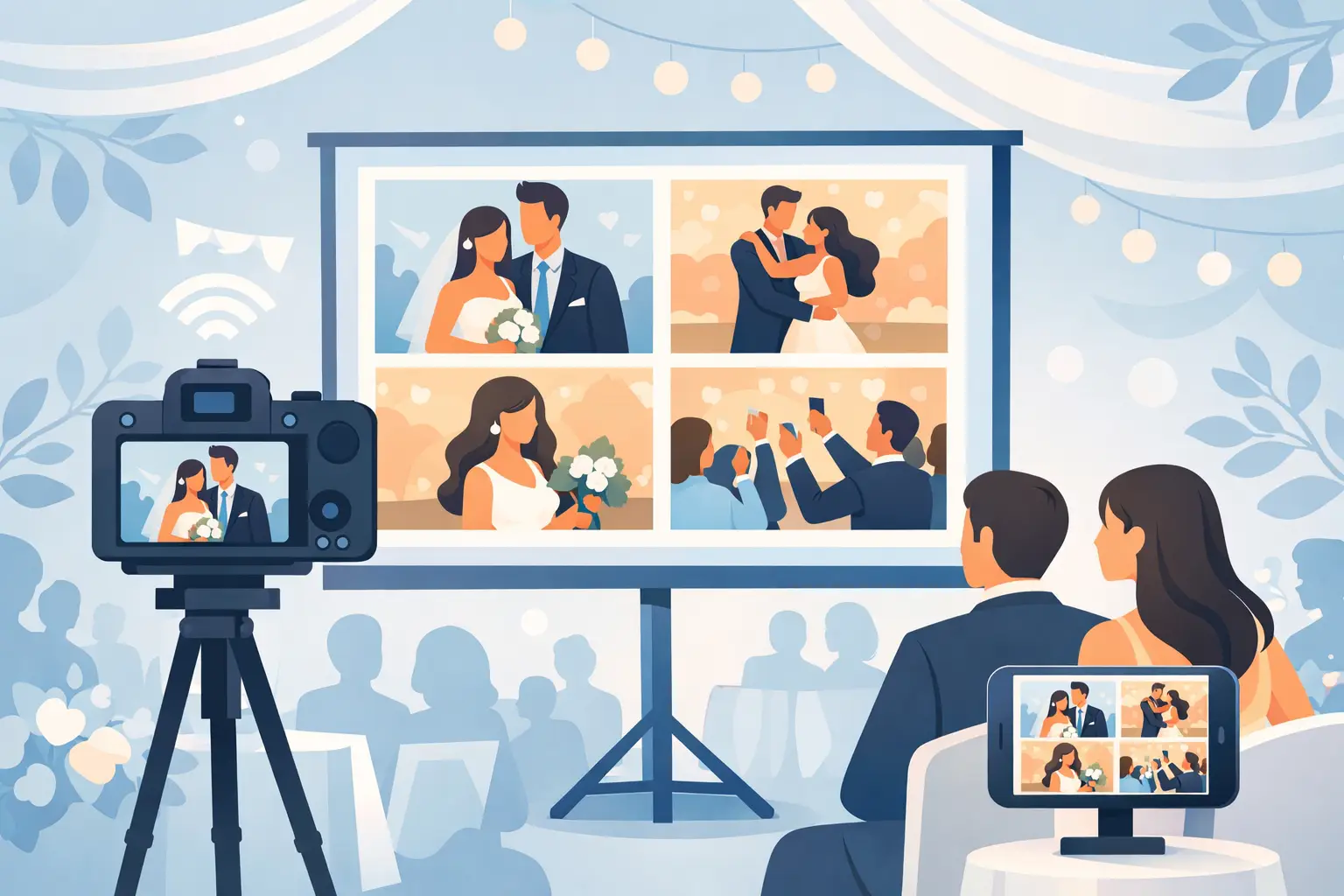
The best wedding photos are rarely the ones anyone plans for. They happen when your college roommate grabs a blurry, joyful dance floor shot, when your niece catches your grandparents laughing at dinner, or when someone at table seven snaps the exact moment you missed during cocktail hour. If you want to display live wedding photo feed moments during the reception, the goal is not just a screen with pictures on it. The goal is making those memories appear fast, beautifully, and without turning your celebration into a tech support project.
Why couples want to display live wedding photo feed moments
A live photo feed changes the feeling in the room. Guests stop seeing themselves as passive attendees and start feeling part of the story. When new images appear throughout the night, the wedding feels alive in a different way. People notice the candid moments happening across the venue, not just the ones in front of them.
There is also a practical reason couples love it. Guest photos usually get lost after the wedding. They sit in text threads, social posts, random AirDrops, and half-finished promises to send everything later. A live feed creates momentum while the event is still happening. Guests take a photo, upload it, and see it appear. That instant payoff leads to more participation and a much fuller album by the end of the night.
For bigger weddings, that matters even more. You cannot be everywhere at once, and neither can your photographer. A live guest gallery fills in the moments between the formal coverage - the hugs, table selfies, candid reactions, after-party chaos, and all the small scenes you would otherwise never see.
What actually makes a live wedding photo feed work
The idea sounds simple, but the setup can go wrong quickly if it asks too much of guests. The best system is almost invisible. Guests should know exactly what to do within seconds, even if they are not especially tech-savvy.
That usually means one clear upload path, ideally through a QR code. Guests scan, upload in their browser, and go right back to the party. No app download. No account creation. No awkward moment where someone gives up because the process feels annoying.
Speed matters too. If uploads take too long to appear, the live feed loses its magic. Guests stop checking the screen, and the slideshow starts to feel like a generic background element instead of a shared experience. A good feed should update quickly enough that people recognize their own photos appearing during the event.
Presentation matters just as much. A wedding slideshow should feel elegant, not like a conference display. The photos need room to breathe. The screen should complement the atmosphere, not dominate it. Clean visuals, easy readability, and a simple gallery format usually work better than overly animated layouts.
The easiest setup for a reception slideshow
If your priority is low friction, start with one private album that guests can upload to from their phones. From there, display that album on a TV, projector, or monitor at the reception. This creates a live loop of real guest photos without needing a complicated AV workflow.
The strongest version of this setup begins before the wedding day. Put QR cards on reception tables, near the bar, and anywhere guests naturally pause. Add a short instruction line so no one has to guess what to do. Something as simple as "Scan to upload your photos and videos" is usually enough.
Once guests begin uploading, the gallery can update in real time and feed directly into your slideshow screen. That gives you one system doing two jobs at once. It collects every memory into a single album while also letting the room enjoy those memories as they happen.
This is where wedding-specific tools stand apart from general event software. A platform designed for weddings understands that the upload flow has to be instant, the gallery has to look beautiful, and the album has to remain easy to download later. With wed.photo, for example, couples can collect guest photos and videos through a simple QR code flow and turn that same live gallery into part of the reception experience.
Where to place the screen without distracting from the wedding
Not every reception needs a giant central slideshow. In fact, that can pull attention away from the parts of the night that matter most. The best placements tend to support the energy of the room rather than compete with it.
A screen near the bar works well because guests naturally gather there and glance over while waiting for drinks. A display near the dance floor can be fun later in the evening when candid energy is highest. If you have a lounge area or cocktail space, that can be an ideal spot too - visible, engaging, but not intrusive.
During dinner, subtlety usually wins. You want guests talking to each other, not staring at a screen through the whole meal. During open dancing, a more active slideshow feels more natural. It depends on your venue, guest count, and overall style. A black-tie ballroom wedding may call for a more restrained setup than a high-energy rooftop reception.
Trade-offs to think through before the big day
A live feed is exciting, but it is worth thinking through the details ahead of time. First is Wi-Fi or cellular reliability. If your venue has weak service, guest uploads may slow down. That does not mean you should skip the idea, but it does mean you should ask the venue about connectivity and test your display setup in advance.
Second is moderation. Some couples want every upload to appear instantly. Others prefer a quick approval step before images hit the screen. Neither choice is wrong. Instant display creates more excitement, while moderation gives you more control. The right answer depends on your crowd, your comfort level, and how polished you want the slideshow to feel.
Third is screen time versus presence. A live gallery should add to the celebration, not become the main attraction. If your display is too prominent, guests may start performing for the screen instead of staying in the moment. Usually, one or two well-placed displays are enough.
How to get more guests to participate
The biggest mistake couples make is assuming guests will upload photos later. Most will not. Participation rises when the ask is simple, visible, and timely.
That starts with signage. Printed QR table cards are effective because they place the upload action right in front of guests all night. A brief mention from the DJ or emcee can help too, especially early in the reception. If the host says, "Scan the card on your table to share your photos for tonight's live gallery," people understand both what to do and why it matters.
Visual feedback is powerful. Once guests see photos appearing on the screen, more of them join in. It becomes part of the celebration. The live feed is not just a display feature - it is a participation engine.
You can also set expectations before the wedding. Add a line on your wedding website or weekend itinerary inviting guests to upload throughout the event. That way, the QR code moment feels familiar instead of surprising.
Privacy matters more than most couples expect
Many couples want candid coverage without pushing their wedding onto social media. That is where a private album matters. A public hashtag feed may seem easy, but it leaves out guests who do not post publicly and creates a gallery you do not really control.
A private upload album gives you a better balance. Guests can contribute without creating accounts, and you still keep the memories organized in one place. It also helps with quality. Instead of compressed screenshots or social reposts, you can preserve full-resolution files that are actually worth keeping.
That difference becomes obvious after the wedding. When the celebration is over, the slideshow moment is gone, but the album remains. If the system worked well, you wake up to a complete collection of guest memories rather than a week of chasing people for photos they meant to send.
The best live feed feels effortless
When couples picture a live reception slideshow, they often focus on the screen. The screen is only the visible part. What actually matters is the path behind it: how guests upload, how fast photos appear, how the gallery looks, and whether the album is still useful after the last song.
If you want to display live wedding photo feed moments in a way that feels elegant, the answer is usually fewer steps, not more features. One QR code. One private album. One beautiful display that lets your guests help tell the story while the night is still unfolding.
That is the version people remember - not because it felt high-tech, but because it made the room feel closer, warmer, and full of moments you would have missed otherwise.