How to Make Wedding QR Cards That Work
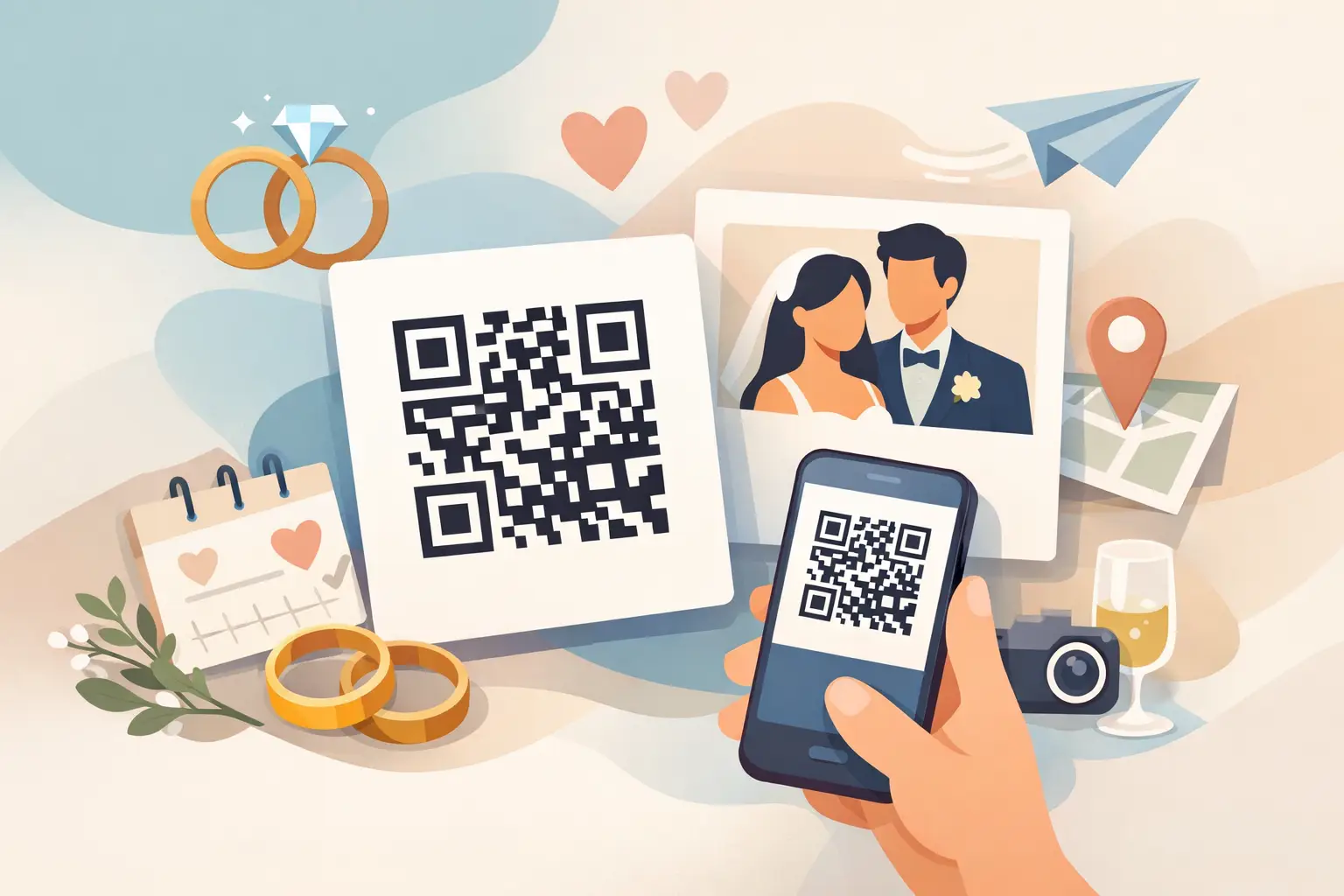
You can spend months planning florals, music, and seating charts, then still lose half the candid photos to scattered texts and forgotten AirDrops. That is why couples keep asking how to make wedding QR cards that guests will actually scan, use, and remember.
The good ones do more than look pretty on a table. They remove friction in the moment. A guest takes a photo, scans once, uploads in seconds, and your album starts filling in during the reception instead of three weeks later through group chats and vague promises.
What wedding QR cards actually need to do
A wedding QR card is not just decor with a code printed on it. It is a tiny instruction point placed inside a busy, emotional, fast-moving event. People are finding their seats, greeting relatives, chasing kids, ordering drinks, and trying not to miss your entrance. If your card asks too much of them, they will skip it.
That means the best cards do three things well. First, they make the action obvious. Second, they look trustworthy and easy. Third, they lead to a mobile experience that works instantly.
This is where many DIY attempts fall apart. The card may be beautiful, but the upload flow is clunky. Or the QR code is too small. Or the message is vague, so guests assume it is a menu, registry link, or hashtag they can ignore.
If your goal is to collect every candid moment possible, design matters, but clarity matters more.
How to make wedding QR cards guests will use
Start with the destination before you design the card. Your QR code should lead to one simple place where guests can upload photos and videos directly from their phones. No app. No account creation. No confusing extra steps.
That one decision affects everything else. If guests hit a login screen, a download prompt, or a messy folder setup, your participation rate drops immediately. Older guests hesitate. Busy guests give up. Even tech-savvy guests tell themselves they will do it later, which usually means never.
Once your upload page is ready, generate the QR code and test it on multiple phones. Use an iPhone and an Android if possible. Scan in bright light and low light. Try it from a normal seated distance, not just with the phone held inches away. A code that works perfectly on your laptop preview can still fail once printed too small or placed under dim reception lighting.
Then design the card around the guest action. The card should answer three questions at a glance: what this is, why they should scan it, and what happens next. If a guest has to read a paragraph to understand it, it is doing too much.
A simple line like “Share your photos and videos from today” usually works better than something overly clever. Guests need direct language. You can still keep the card elegant, but elegant should never mean vague.
The right size, layout, and wording
Most wedding QR cards fail for practical reasons, not aesthetic ones. The code is too tiny, the contrast is too soft, or the instructions are buried in decorative script.
Print the QR code large enough to scan easily from a seated position. For table cards, that usually means giving the code visual priority instead of treating it like a footer. Black on white is the safest choice. Soft beige on blush cardstock may fit your palette, but low contrast creates scanning issues fast.
Keep the layout clean. A short headline, the QR code, and one sentence of instruction is enough for most weddings. You do not need a full explanation of where files are stored or how albums work. Guests only need the next step.
If you are wondering how to make wedding QR cards feel polished without becoming fussy, this is the balance: the design should match your wedding, but usability should always win. A modern serif font is fine. Ultra-thin calligraphy over a patterned background is not.
Your wording matters too. The clearest messages tend to be the strongest:
“Scan to share your photos and videos”
“Help us capture every memory”
“Upload your moments from today”
A small supporting line can help reassure hesitant guests, especially if your upload experience is simple: “No app needed” or “Takes just a minute.” Those phrases reduce friction before it starts.
Where to place wedding QR cards
Even a perfect card underperforms if guests never notice it.
Table placement is the obvious starting point, especially at dinner when guests are seated long enough to scan. But one card per table is not always enough for larger rooms or crowded centerpieces. If your reception design is layered with florals, candles, menus, and drink glasses, the card can disappear quickly.
Consider repeating the QR code across the event. A welcome sign near cocktail hour reaches early photo-takers. A small bar sign catches social guests already snapping candids. A card near the guest book or favors works well because people naturally pause there.
There is a trade-off here. Too many signs can feel promotional or visually busy. Too few and guests miss the prompt entirely. For most weddings, subtle repetition works best - table cards plus one or two larger signs in high-traffic areas.
You can also have your DJ, planner, or emcee mention it once. A short verbal prompt during the reception often boosts participation because it tells guests the request matters to you.
DIY vs. done-for-you cards
You can absolutely make wedding QR cards yourself. If you already have a working upload link, a basic design tool, and a good print source, the DIY route gives you control over colors, paper, and wording.
But DIY has a hidden cost: testing. You are responsible for code accuracy, print sizing, legibility, guest instructions, and making sure the whole experience works on the day itself. If one piece breaks, guests will not troubleshoot it for you.
That is why some couples prefer a wedding-specific platform that combines the album, QR code, and printable card flow in one setup. It reduces the number of moving parts and helps the card do what it is meant to do - collect memories, not create another planning task. wed.photo is built around exactly that kind of low-friction wedding use, with private albums, browser-based uploads, and QR cards designed for real guest behavior.
The right choice depends on your priorities. If you love customizing every printed detail, DIY may suit you. If you want fewer decisions and more reliability, a dedicated system is usually worth it.
Common mistakes to avoid
The biggest mistake is assuming guests will figure it out. They usually will not, at least not in a crowded reception setting.
Another common issue is linking the QR code to the wrong destination. Social media pages, cloud folders, or shared drives often sound convenient at first, but they add friction or privacy concerns. A wedding upload page should feel private, simple, and purpose-built.
Timing matters too. If you only introduce the QR code late in the night, you miss ceremony arrivals, cocktail hour candids, and early family moments. The best uploads often happen before dinner even begins.
And do not forget print proofing. Always scan the final printed sample, not just the digital file. Paper finish, card size, and color shifts can all affect readability.
A simple formula for cards that get scans
If you want the shortest path to a card that works, use this formula: one clear action, one easy scan, one fast upload page.
Make the code large. Keep the contrast high. Use direct language. Place the card where guests naturally pause. Test everything on real phones before the wedding. If something feels slightly confusing during setup, it will feel very confusing to guests during the reception.
The best wedding QR cards almost disappear into the day. Guests do not think about the technology. They just share the photo they took of your grandparents laughing at dinner, your friends on the dance floor, or the quiet moment before sunset that your photographer happened to miss.
That is the point. Not a clever card. Not a trendy detail. Just an easier way to wake up to more of your wedding than you could ever capture alone.
So if you are deciding how polished, simple, or customized to make yours, lean toward whatever makes guest participation feel effortless. Beautiful is nice. Easy gets the memories.