How to Plan Accessible Wedding QR Cards Well
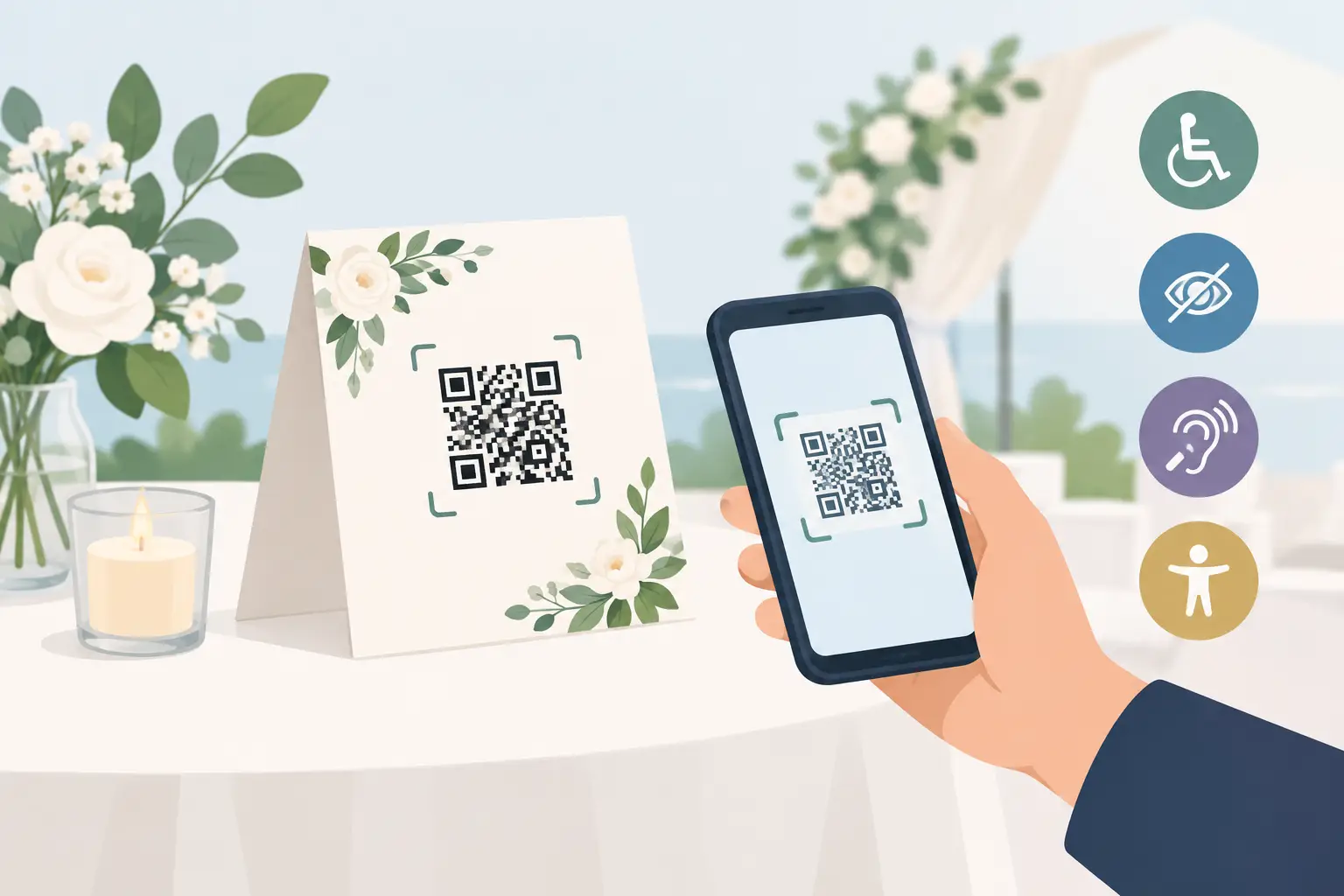
Your flower girl may know exactly what to do with a QR code. Your grandmother may not. The best photo-sharing setup makes room for both. To plan accessible wedding QR cards, think beyond whether the code scans. Consider how every guest will find it, understand it, and feel comfortable sharing the moments they captured for you.
A well-designed QR card can collect the laughter at cocktail hour, the first hug after the ceremony, and the dance-floor photos your photographer could not possibly catch. But a tiny code on a dark menu, paired with vague instructions, leaves memories behind. Accessibility is what turns a nice idea into an invitation everyone can use.
Start with one simple guest action
Guests should be able to understand your QR card in a few seconds. The message does not need to explain the technology. It needs to make the next step obvious: scan, upload, celebrate.
Use a clear headline such as “Share your photos and videos with us” followed by one short instruction: “Scan this code to add your favorites to our private wedding album.” That is enough for most guests. If your gallery allows them to see photos arriving throughout the night, you can add a warm detail like, “Come back anytime to see the celebration unfold.”
Avoid clever copy that makes people pause. “Capture the magic” is lovely as a supporting line, but it does not tell someone what to do. Plain language is especially helpful for guests who are less comfortable with their phone camera or have never uploaded to a shared album before.
A browser-based experience matters here. With wed.photo, guests scan, upload, and return to the party without downloading an app or creating an account. Fewer steps mean fewer people quietly deciding to do it later, then forgetting.
Make the QR code easy to see and scan
A QR code is functional print design, not just decor. It can still look beautiful, but it needs enough contrast, space, and size to work under reception lighting.
Choose contrast over color trends
The code itself should be dark on a light, solid background. Black on white is the most reliable choice, though a deep navy, charcoal, or dark wedding color can work if the background is very pale. Avoid placing a code over florals, textured paper, watercolor, photographs, or metallic foil. These details may be gorgeous up close but can confuse a phone camera.
If your stationery palette is light or neutral, keep the QR area clean and let the card border, typography, or illustration carry the style. The scan area does not have to do all the aesthetic work.
Give it room to breathe
Leave a clear margin around all four sides of the QR code. That blank border helps phone cameras recognize its edges. Do not crowd it with copy, decorative frames, or small icons.
For table cards, make the code at least 1.25 inches square. For signage that guests will scan from standing height, go larger. A code that looks oversized during a design review often feels exactly right in a busy room. Reception lighting is dimmer, hands are full, and guests may be scanning quickly between conversations.
Print a test version before ordering your full set. Scan it with several phones, from a few angles, in both bright and low light. Test the final paper stock too. A glossy finish can reflect candles, overhead lights, or flash photography in a way that makes scanning harder.
Put cards where guests naturally pause
One card at every table is a strong starting point, but placement matters more than quantity. Guests are most likely to scan when they have a natural pause and a reason to pick up their phones.
Place QR cards at the bar, cocktail tables, dinner tables, guest book station, and near any photo booth. A small welcome sign at the entrance sets the expectation early: photos and videos are welcome, and there is one easy place to send them.
For a larger wedding, do not rely on a single sign near the gift table. Many guests will never pass it twice. Repetition is helpful, not intrusive, when the cards are elegantly integrated into the room.
Think about height and reach as well. A sign placed low on the floor, behind centerpieces, or at the back of a dessert table is harder to use. Put at least one card or sign at an easy viewing height for guests who are seated, standing, or using a wheelchair.
Design for more than phone cameras
Accessible wedding QR cards should not make smartphone use a requirement for participation. A QR code is the fastest route for many guests, but it should never be the only route to preserving their memories.
Include a short, easy-to-read web address beneath the code when possible. A guest whose camera does not recognize the code can type it into a browser. Use high-contrast type, a legible font, and a size that can be read without squinting. Script fonts may fit your invitation suite, but instructions work best in a clean, familiar typeface.
Also consider the guests who take photos on a digital camera, who do not bring a smartphone, or who would rather share later from home. A trusted family member can collect those files afterward, or you can add the album address to a thank-you message. The goal is not to force one behavior. It is to make sharing feel welcome and possible.
If you have guests with limited vision, do not rely on the code alone. Clear printed instructions, an obvious heading, and an accessible verbal reminder from your DJ or officiant can make a real difference. A brief announcement works well: “We would love your candid photos tonight. Scan the cards on your table, or ask a family member for help finding the album.”
Keep the upload experience private and reassuring
A guest might hesitate to scan if they are unsure where their photo will go. Say what the code opens: a private wedding album for the couple. If photos may appear on a live slideshow, let people know that too. Clear expectations are part of good hospitality.
Privacy also affects what guests choose to share. When people know their files are going directly to the couple rather than into a public social feed, they are more likely to add the unpolished, joyful moments that make an album feel complete. Think kids spinning in formalwear, friends practicing a toast, and the quiet hugs after dinner.
Keep the album open long enough for guests to upload after the wedding. Not everyone has time to sort through photos while traveling home or recovering from a late night. A gentle reminder in a post-wedding thank-you message can bring in the last handful of meaningful shots without turning you into the person chasing photos through group texts.
Use an inclusive card design checklist
Before you approve your cards, check the essentials:
- The QR code is dark, sharp, and printed on a light solid background.
- The code is large enough for its placement and has empty space around it.
- The headline explains the purpose in plain language.
- The instructions use a readable font with strong contrast.
- A simple web address appears below the code as a backup.
- Cards are placed in more than one easy-to-reach location.
- The final printed card has been tested on multiple phone models.
These details do not make your reception feel technical. They make it feel considered. Guests notice when something is easy, even if they never say so.
Let the card support the celebration, not interrupt it
The best QR card is almost invisible in the right way. It fits your tablescape, asks very little of your guests, and quietly gathers the parts of the day you will want to remember later.
You do not need a complicated instruction panel, a separate app, or a dozen reminders. Give guests a clear invitation, a code that works, and a graceful backup for anyone who needs it. Then let them return to what they came for: celebrating with you, camera roll full of moments you would otherwise never see.