Private Wedding Album Setup Guide
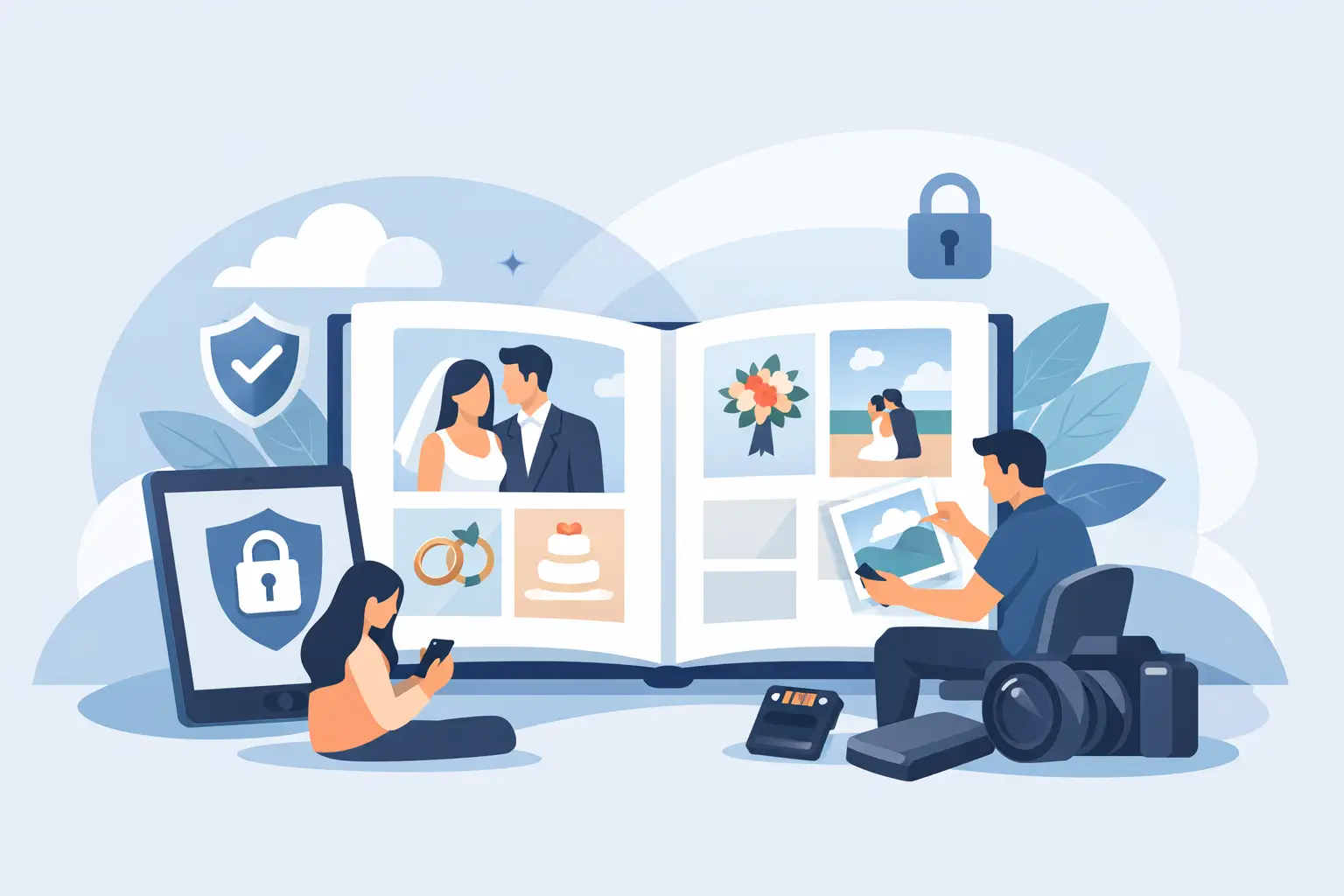
The easiest private wedding album setup guide starts before the first champagne pour. If you wait until the week after your wedding to collect guest photos, they end up where so many good memories go - buried in text threads, compressed in group chats, or forgotten on someone else's camera roll.
A private album changes that. Instead of chasing people for candids, you give guests one simple place to add photos and videos as the day unfolds. Done well, it feels invisible to your guests and invaluable to you.
What a private wedding album should actually do
A wedding album for guest uploads is not just a folder with a password. It needs to work in real wedding conditions: low attention spans, mixed age groups, spotty reception, and guests who will absolutely not download an app for you.
The best setup is private by default, easy to join, and fast enough that people use it without thinking. Guests should be able to scan a QR code, open a browser, and upload in seconds. You should be able to watch the gallery fill in live, then download everything later in full resolution.
That combination matters because convenience decides participation. If your system asks too much, most guests will mean to share and never get around to it.
Private wedding album setup guide: start with the guest experience
Couples often focus on storage, file limits, or how the gallery looks afterward. Those details matter, but the real success factor is guest behavior. Your setup has to meet people where they are.
That means no app install, no account creation, and no complicated instructions. A single QR code is usually the cleanest option because it works at tables, bars, welcome signage, and even on a program card. Guests understand it immediately. The fewer choices they have, the more likely they are to upload.
Privacy should be just as simple. A private album should feel controlled and intimate, not social. Most couples want candid moments from their wedding, not a public feed. Keeping the album private by default protects that feeling and makes guests more comfortable sharing personal, unfiltered photos.
How to set up your album without overcomplicating it
The setup itself should take minutes, not an afternoon. Create your album early enough that you can customize the essentials, then leave it alone.
1. Create the album before your final stationery files go to print
This is the step couples miss. If you plan to use QR table cards or signage, set up your album before printing anything. That way your QR code is fixed, tested, and ready to place across the event.
You do not need every wedding detail finalized first. Your names, date, and general event identity are enough to get the album live.
2. Name it clearly and keep the branding elegant
Use a name guests recognize instantly, like Emma & Jordan's Wedding or The Miller Wedding Weekend. Avoid clever internal nicknames. If guests hesitate for even a second, uploads drop.
A polished presentation helps too. This is part of your wedding experience, not a tech interruption. Clean wording and beautiful QR cards make the album feel intentional rather than improvised.
3. Test the upload flow on multiple phones
Before your wedding day, scan the QR code on an iPhone and an Android phone. Try it with someone who is not involved in planning. Ask them to upload two photos and a short video. If they have a question, your guests will too.
This is where simple platforms stand out. With wed.photo, the browser-based flow removes most of the usual friction because guests do not need to download anything or sign in.
4. Decide where guests will see the QR code
One sign at the entrance is rarely enough. Guests notice prompts when they are seated, waiting, or already taking photos. Table cards work well because they stay in front of people all night.
If you are having a larger wedding, place the code in a few natural touchpoints: reception tables, the bar, the guest book area, and a small sign near the dance floor. You do not need to plaster the room with instructions. You just need enough visibility that sharing feels easy.
The best timing for a wedding album launch
Your album should be available before guests arrive. Some couples share it at the rehearsal dinner or with the wedding party the day before. That early access is useful because it starts the habit. By the time the reception begins, people already know where to send photos.
During the wedding, a gentle reminder from the DJ, planner, or officiant can help. Keep it short. One sentence is enough: scan the code on your table to add your photos and videos to the couple's private album.
After the wedding, leave the album open long enough for stragglers. People always find more photos the next day, especially from getting ready, after-parties, and family brunches. A short post-wedding window works well because it creates urgency without turning the album into an endless chore.
Common setup mistakes that make guests stop sharing
Most failed album collections do not fail because guests were unwilling. They fail because the process felt like work.
The first problem is asking guests to create accounts. The second is relying on one printed sign in one part of the venue. The third is choosing a generic file-sharing tool that was not built for weddings. Those platforms may technically store photos, but they do not guide guest behavior very well.
Another mistake is treating privacy as an afterthought. Public social posting and private wedding sharing are not the same thing. Many guests are happy to share a blurry dance floor photo with the couple, but less happy to post it publicly. A private setup respects that difference.
There is also a trade-off to consider with moderation. Some couples want every image to appear live right away. Others prefer more control. It depends on your crowd, your comfort level, and whether you plan to display a live slideshow during the reception. If live display is part of the plan, make sure the gallery experience stays elegant and wedding-appropriate.
Why private beats piecing it together later
After a wedding, photos scatter fast. A few arrive by text. More land in a family group chat. Someone promises to AirDrop a whole batch and forgets. Videos get compressed. Portraits vanish into Instagram stories. Weeks later, you have fragments instead of a record.
A private album fixes that by creating one destination while memories are fresh. It also preserves the candid side of the day that your professional photographer cannot capture all at once - college friends at cocktail hour, grandparents laughing at a side table, the flower girl under the dessert display, your partner during the five minutes you were in different rooms.
Those are often the photos couples revisit most.
A private wedding album setup guide for larger guest counts
The bigger your wedding, the more this matters. At 25 guests, you can probably chase people down afterward. At 120 or 200, that becomes impossible.
Larger weddings need a setup that scales without adding coordination. That means clear QR placement, fast mobile uploads, and enough storage for a high volume of photos and videos. It also means choosing a system that keeps full-quality files intact. Convenience is not enough if the final album is full of compressed media.
For planners and organized family members, this is where a wedding-specific platform earns its keep. It reduces follow-up, gives the couple one organized place to relive the weekend, and avoids the messy handoff of dozens of separate folders.
Keep the instructions lighter than you think
One of the nicest parts of a great album setup is how little explanation it needs. Guests do not want a speech. They want a clear cue at the right moment.
Use plain language on printed cards. Something like: Share your photos and videos here. Scan the code. That is enough for most people. If you add too much copy, it starts to look optional or confusing.
This is also why elegant design matters. When the album touchpoints look beautiful, guests treat them as part of the celebration. When they look overly technical, they fade into the background.
What you should have when the wedding is over
By the next morning, the goal is simple: one private place filled with the moments you missed while living them.
You should not be sorting through five apps, asking cousins to resend videos, or discovering that half your files were reduced in quality. You should be able to open your album, see the day from every angle, and download it without hassle.
That is what a good setup buys you. Not more tech. Less chasing, less fragmentation, and a fuller memory of the people who showed up for you.
If you are planning your wedding now, set up the album before one more detail slips into "we'll figure it out later." Your future self will thank you when every candid moment is already waiting in one place.