How to Protect Wedding Guest Privacy With QR Photos
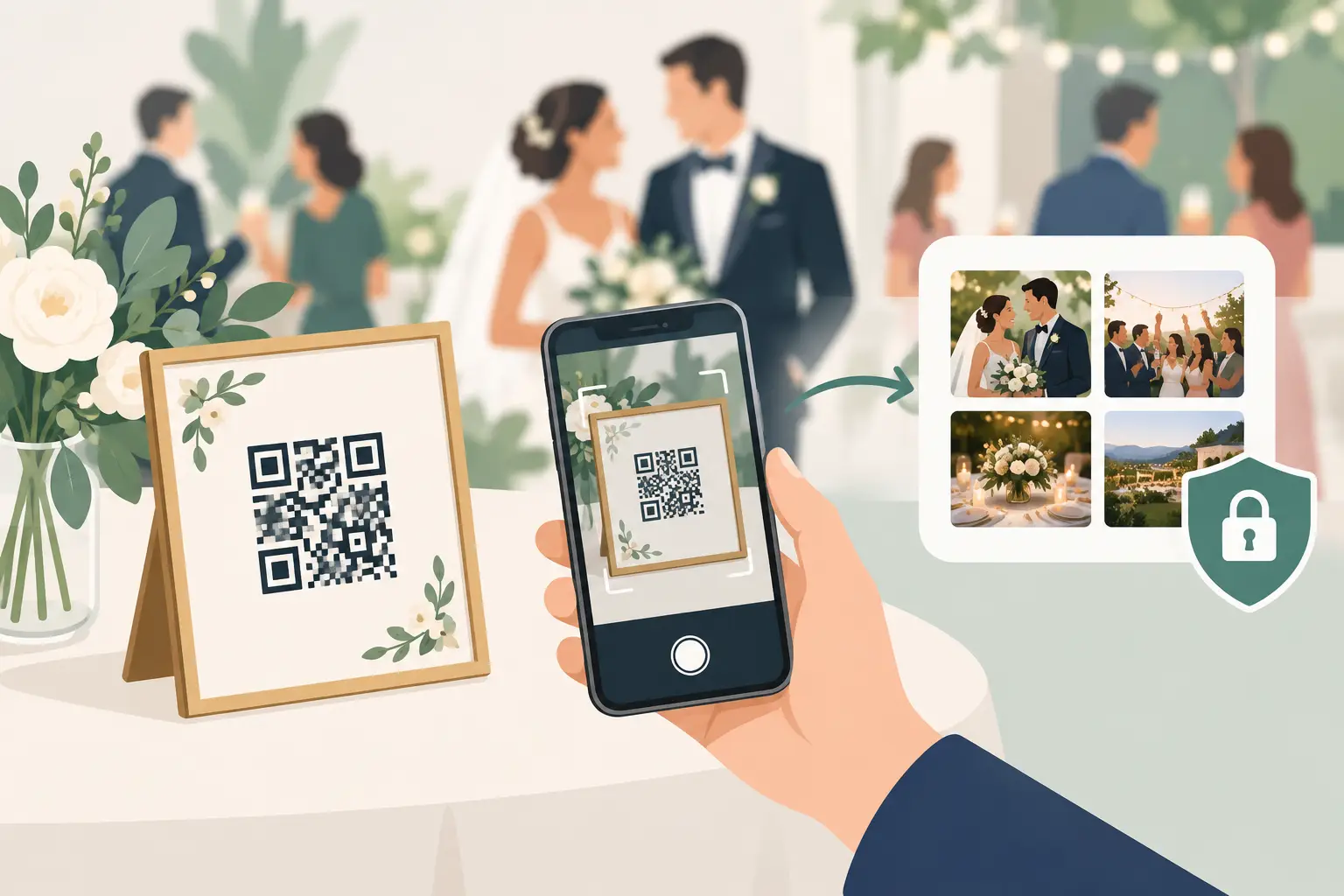
A QR code on a cocktail table can collect the photos your photographer never sees: the tearful hug before the ceremony, the packed dance floor, your college friends laughing at midnight. But to protect wedding guest privacy, the experience needs to feel as thoughtful as the rest of your day.
Your guests are not just contributing content. They are sharing faces, family moments, children, celebrations, and sometimes quiet personal interactions. A private wedding album should make it easy to participate without making anyone wonder where their photo will end up.
The good news: privacy does not have to make photo sharing complicated. A few clear choices give guests confidence, help you collect more genuine memories, and keep your wedding photos where they belong - with the people who shared the day.
Start With a Private-by-Default Album
The simplest privacy decision is also the most meaningful: make your guest photo album private from the beginning.
A public gallery can be convenient for a broad event announcement, but a wedding is personal. Guests may be comfortable sharing photos with you and the people in the room, yet not with anyone who discovers a public link later. Private-by-default access sets the right expectation. The album is for your celebration, not for the open internet.
Before choosing a photo-sharing tool, ask a direct question: who can view the gallery, and how easily can that access be passed along? A private album should not appear in search results or be discoverable by browsing a public profile. It should be accessible only to the people you intentionally invite.
That does not mean every wedding needs the same level of restriction. A small, family-only wedding may call for tighter access than a large destination celebration. What matters is deciding deliberately rather than realizing afterward that your candid photos are more visible than you intended.
Make the QR Code an Invitation, Not an Open Door
QR codes are wonderfully simple. Guests scan, upload from their browser, and return to the party. No app. No account. No chasing people for photos the next morning.
But a QR code is still a shareable object. Anyone who photographs a table card can technically save it, which is why the gallery behind it matters as much as the code itself.
Place QR cards where invited guests will naturally find them: on reception tables, near the guest book, at the bar, or beside a welcome sign. Avoid posting the code publicly before the wedding if you want to keep the upload experience limited to attendees. A social post that includes the code may be seen and reshared by people who were never in the room.
The language on the card matters, too. A warm, clear note works better than fine print: “Share your favorite moments from today. Please upload photos you’re happy for the couple and their guests to enjoy.” It gives people a moment to consider what they are sharing without making the celebration feel formal or guarded.
Be Clear About How Photos Will Be Used
Guests are far more comfortable participating when they know what they are joining. A short explanation can prevent awkward assumptions, especially if you plan to display a live gallery during the reception or download the album afterward.
Let guests know whether uploads will appear right away, whether other attendees can view them, and whether you plan to share the final album with everyone. This is especially considerate for parents posting photos of children, guests who prefer not to be photographed, and anyone attending during a sensitive season of life.
You do not need a long privacy policy on a wedding sign. You need plain language. For example: “Photos will be added to our private wedding album for our guests to enjoy.” If you are running a reception slideshow, add that detail: “Selected guest photos may appear on tonight’s private slideshow.”
Clarity also helps your most camera-shy guests relax. They may choose to upload a picture of the flowers, the table, or their friends rather than a posed selfie. Every contribution counts, and guests should never feel pressured to perform for the gallery.
Consider a No-Post Request Separately
A private guest album and social media are two different things. If you would prefer guests not to post ceremony photos publicly, say so directly and kindly. A simple ceremony sign or officiant announcement can do the job: “We invite you to be fully present with us. Please keep phones away during the ceremony and save social posts for later.”
This is not about controlling every image. It is about giving your ceremony the quiet attention it deserves, while still offering an easy place for guests to share candid photos from the reception.
Choose Access That Matches Your Celebration
There is a useful trade-off between convenience and control. The more barriers you add, the harder it can be for grandparents, busy parents, and less tech-comfortable guests to contribute. The fewer barriers you add, the more thoughtfully you need to manage who receives the gallery details.
For most weddings, a private link shared through QR cards and follow-up messages strikes the right balance. Guests can upload in seconds, and couples can share the finished album with the same group after the wedding. wed.photo is built around this kind of experience: one simple QR workflow, a private album, and no app or guest login required.
For a more intimate event, you may prefer to share the QR code only at the reception rather than including it on a public wedding website. For a large wedding, place the code on multiple elegant cards so guests do not have to ask around or wait in line to scan one sign. Privacy should not create friction for the people you invited.
Give Guests a Graceful Way to Opt Out
Not everyone wants to appear in photos, and that choice deserves respect. The goal is not to make every moment invisible. It is to make it easy for guests to communicate a preference without having to explain themselves.
If someone asks not to be photographed or included in the gallery, honor it without debate. Let your wedding party, photographer, and close family know about any important requests ahead of time. This can be especially helpful when children, work colleagues, or relatives with complicated family dynamics are attending.
You can also ask guests to be mindful when uploading. Encourage them to share joyful, respectful moments and skip anything that might embarrass someone later. Weddings bring out the funny, spontaneous side of people. A little discretion preserves the warmth without turning a private joke into a permanent record.
Think About the Slideshow Before You Turn It On
A live guest slideshow can be one of the loveliest parts of a reception. Seeing the day through everyone else’s camera creates an immediate sense of togetherness. It also changes the privacy equation, because an uploaded photo may be shown to the room moments later.
If you plan to use one, tell guests before they upload. Consider whether images should appear automatically or whether a trusted friend should review them first. Automatic display is more spontaneous and requires less effort. Light moderation gives you more control, which may be worth it for a formal wedding, a mixed-age crowd, or a reception where guests are likely to get playful late in the evening.
There is no universally right answer. The best choice is the one that fits the tone of your party and the comfort of your guests.
Keep the Finished Album Thoughtful, Too
Privacy does not end when the last song plays. After the wedding, decide who should receive the final album and how long you want it available. Some couples share it with every attendee right away. Others take time to download their favorites, remove duplicates, and send a curated collection to family and friends.
Keep the original files in a place you control, especially if you value full-resolution photos for printing or future albums. Avoid letting your only copy live in a group chat, where images are compressed, buried, and impossible to organize later.
When you share the final gallery, include a gentle reminder that it is a private keepsake. Most guests will naturally respect that boundary when it is named. If there are specific images you do not want reposted publicly, say so with warmth and gratitude.
The best wedding photo-sharing experience does more than gather files. It lets guests contribute without hesitation, lets you wake up to the moments you missed, and keeps those moments held close. Make privacy part of the welcome, and your album will feel even more like home.