Shared Drives Versus Galleries for Weddings
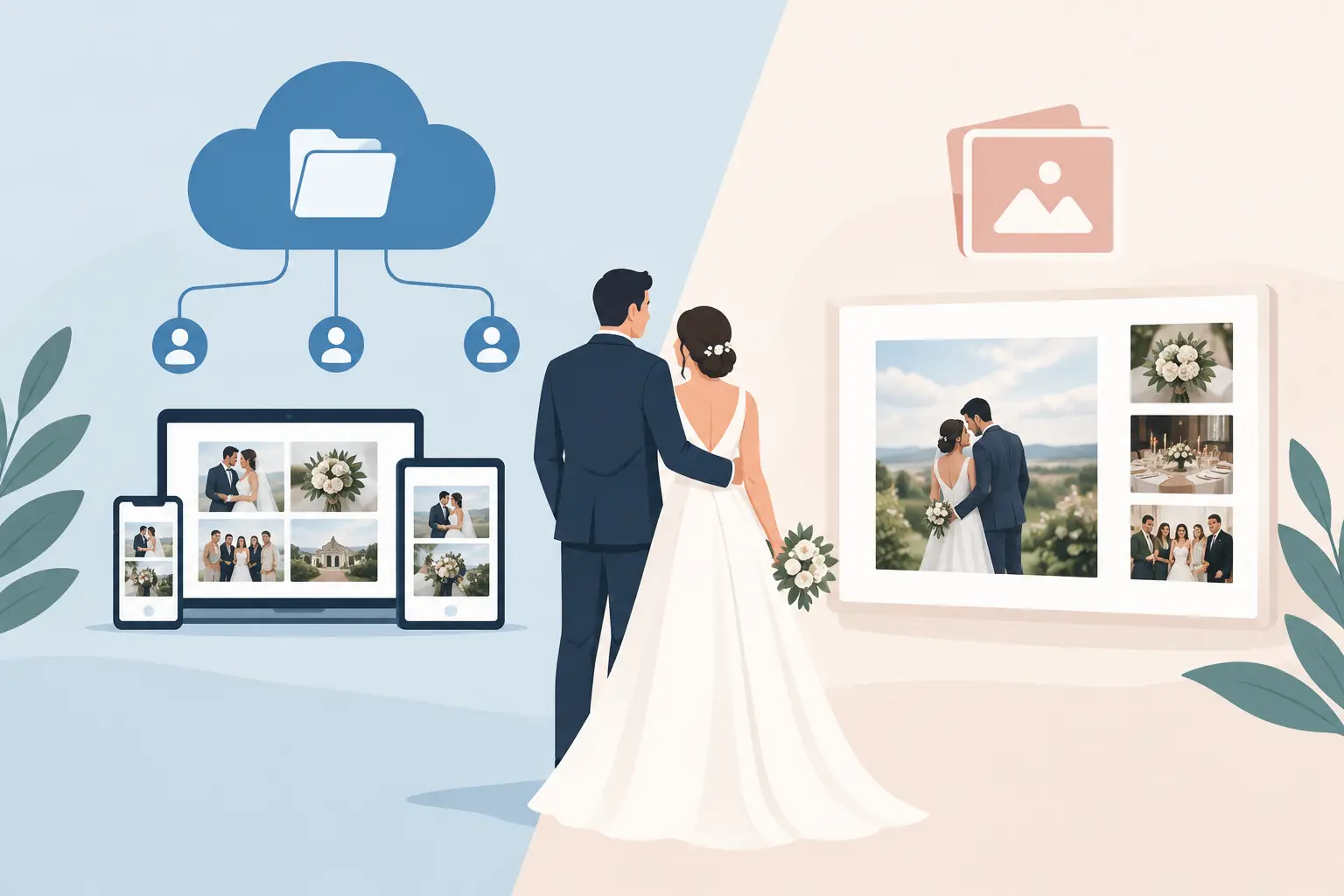
The difference between shared drives versus galleries shows up the morning after your wedding. One option gives you a folder full of files to sort through. The other gives you a living collection of the hugs, dance-floor chaos, happy tears, and tiny in-between moments you did not get to see yourself.
A shared drive can be useful for storing wedding photos. But storage is not the same as a guest experience, and it is not the same as a finished memory. If your goal is to collect every candid photo and video without making guests download an app, hunt for a link, or wonder where their upload went, the details matter.
Shared drives versus galleries: the real difference
A shared drive is built for file storage and collaboration. It is excellent when a team needs to edit documents, share drafts, or keep a large number of files in one place. For a wedding, it can act as a central drop-off point for photos and videos.
A gallery is built for viewing and sharing moments. Guests see an album, not a directory. Images appear together in a visual space, videos feel part of the celebration, and the collection is easy to revisit without asking someone to explain folder names or permissions.
That distinction may sound small before the wedding. On the day itself, it changes how likely people are to participate. Your college roommate wants to share the video of your first dance. Your aunt has a sweet photo from cocktail hour. Your cousin caught the flower girl sprinting across the dance floor. They are much more likely to add those memories when the path is clear, quick, and designed for the moment.
What a shared drive does well
A shared drive has a place in a wedding photo plan, especially behind the scenes. It can be a practical archive for vendor documents, high-resolution professional images, design files, or a private backup that only you and your partner access.
It also gives you familiar controls. Many couples already use a cloud storage account, and a folder can feel like the simplest no-cost solution. If only a few people will contribute photos after a small gathering, and everyone is comfortable with the same platform, it may be enough.
The trade-off is that guests are being asked to use a work-style tool at a celebration. They may need to sign in, request access, switch accounts, choose the right folder, and wait for uploads to finish. Some will plan to do it later. Many will forget.
There is also a presentation problem. A folder of filenames and thumbnails does not feel like an album you want to open on your anniversary. It feels like a task still waiting to be completed.
Why a wedding gallery invites more memories
A wedding gallery begins with the guest, not the file. The best experience takes seconds: scan a QR code, open a private album in a browser, and upload. No app. No login. No need to know what cloud service the couple uses.
That simplicity matters across generations. Your tech-savvy friends can upload a burst of dance-floor photos in the moment. Your parents' friends can follow one clear instruction. Guests who do not post on social media still have an easy, private way to share what they captured.
A gallery also makes participation visible. When photos appear live, guests see that their contributions are part of something bigger. The energy builds throughout the reception, particularly when the album is displayed as a live slideshow. Instead of media disappearing into individual phones, it becomes part of the celebration while it is still happening.
For couples, the emotional payoff is completeness. Your photographer will preserve the planned portraits and major milestones beautifully. Guest photos fill in the rest: the note your sister read before the ceremony, friends laughing at a table, grandparents holding hands, the late-night snack run. Those are not replacements for professional photography. They are the layers around it.
Privacy and control are not an afterthought
Wedding photos are personal. A public social feed is rarely the right home for every image, especially when guests include children, coworkers, relatives, and people who simply prefer not to share publicly.
With a shared drive, privacy depends on getting permissions right. A link that is too open can be passed along. A setting that is too restrictive can leave guests unable to upload. You may also need to decide whether contributors can see, edit, move, or delete files.
A private wedding gallery makes the intended boundary clearer: this is for the people who were there. Couples can share access through a single QR code or direct link, while the album remains separate from social media. The experience feels personal rather than public by default.
Control matters after the wedding, too. You should be able to download your full collection and keep the original-quality files, rather than settling for compressed images pulled from texts or group chats. A beautiful gallery is valuable in the moment, but the files should remain yours for future prints, albums, and anniversaries.
Compare the experience, not just the price
It is tempting to choose a shared drive because it appears free. But the real cost can be the memories you never receive. If guests encounter friction, need help, or assume someone else will upload later, the folder may hold only a fraction of the photos taken.
Consider the time cost as well. Who will answer access requests? Who will remind everyone after the honeymoon? Who will remove duplicates, locate videos, and organize hundreds of unnamed files? A free tool can create a surprisingly expensive to-do list when your time and attention are already stretched thin.
A wedding-focused gallery is worth considering when it removes those follow-ups. With wed.photo, couples can create a private album, share a QR code on elegant table cards, watch memories arrive live, and download everything afterward. The point is not more technology. It is less work for you and less hesitation for your guests.
When a shared drive is the better choice
There are times when a drive is all you need. If you are collecting only photographer deliverables, coordinating with a planner or family member on files, or storing a small set of already-organized images, its straightforward file management can be ideal.
It can also work as a companion to a gallery. Use the gallery to collect candid guest content during the wedding, then keep a separate drive for contracts, vendor materials, raw files, and long-term household organization. You do not have to force one tool to do every job.
The key question is simple: are you asking people to store files, or are you inviting them to share a memory? For the first, a shared drive works. For the second, a gallery usually feels more natural.
A simple plan for collecting every candid
Choose your photo collection method before you print invitations or day-of stationery. If you are using a gallery, place the QR code where guests will naturally pause: welcome signage, cocktail tables, reception tables, and near the bar or photo booth. A short line works better than a paragraph: “Scan to add your photos and videos.”
Ask a trusted friend, sibling, or wedding party member to upload early. Once guests see real photos appearing, the idea clicks immediately. If you are using a live slideshow, make sure it is visible enough to spark curiosity without competing with the speeches or dance floor.
Then let go of the chasing. The whole point is to make sharing easy while people are present, joyful, and holding the memories in their hands.
Years from now, you will not remember whether your photos lived in a folder or a gallery. You will remember opening them together and finding a moment you did not know anyone caught.