Wedding Photo App vs QR Code: Which Wins?
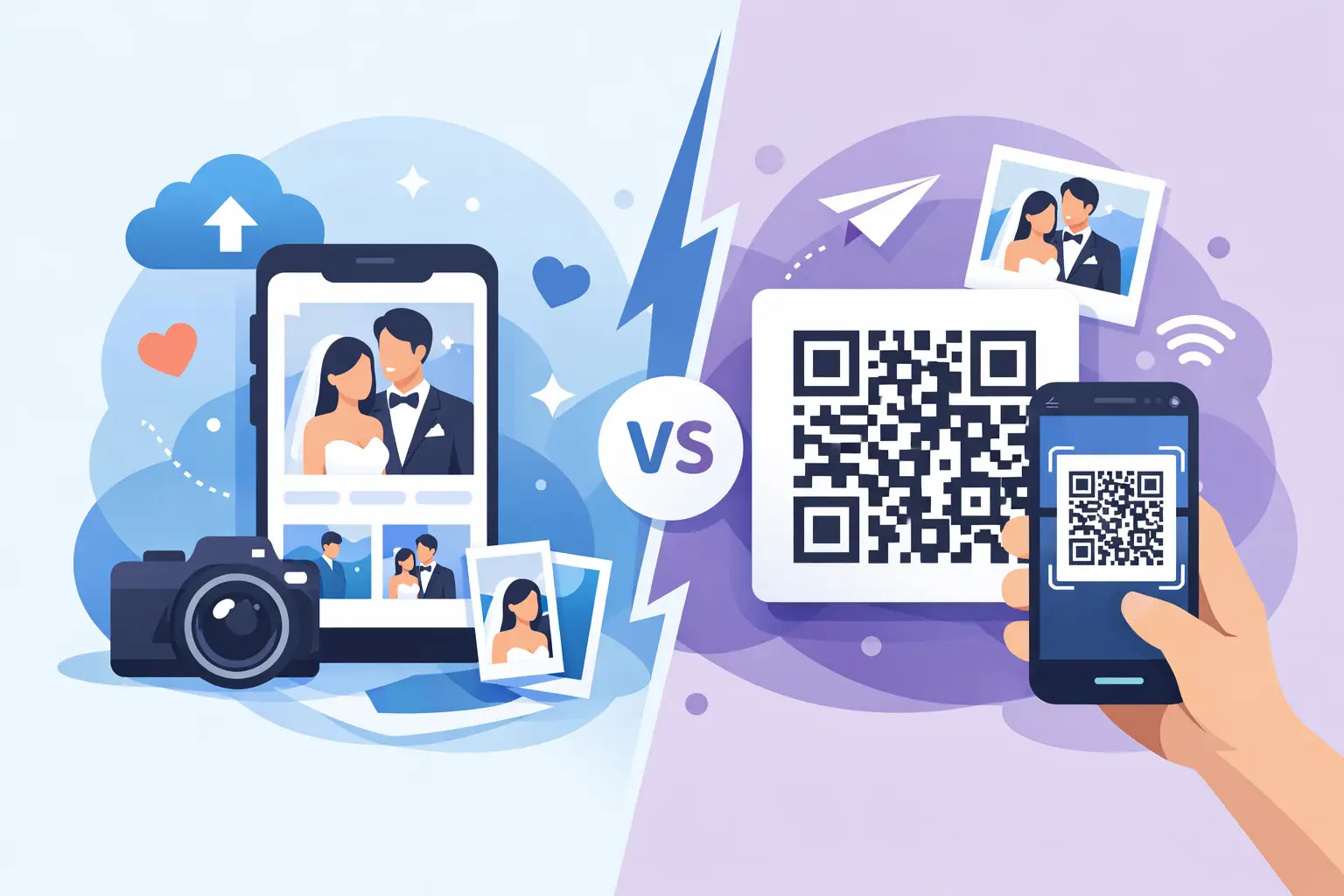
The problem usually shows up around 10:47 PM, right when the dance floor is full and your guests are taking the best candid photos of the night. A few people post to Instagram. Your college friends start an iPhone thread. Someone promises to AirDrop everything later. Your aunt takes 73 photos and never sends them. That is why the question of wedding photo app vs QR code matters more than it seems.
Both options promise the same thing: collect guest photos in one place. But they create very different experiences for your guests, your wedding day, and the album you wake up with afterward. If your goal is more memories with less chasing, the difference is not small.
Wedding photo app vs QR code: what is the real difference?
A wedding photo app usually asks guests to download something, open it, learn it, and often create an account or enter an event code before uploading. A QR code workflow sends guests straight to the album in their browser. They scan, tap, and upload.
That sounds like a minor UX detail until you picture 120 guests in formalwear, holding drinks, juggling kids, or trying to get back to dinner before the speeches begin. Weddings do not reward friction. The easier the process, the more people actually use it.
This is why couples often start by comparing features, then end up choosing based on behavior. It is not about which tool can technically collect photos. It is about which one guests will actually bother to use.
Why guest behavior matters more than feature lists
On paper, a dedicated app can sound polished. It may offer branded galleries, notifications, or event feeds. But weddings are one-day events, not ongoing communities. Your guests are not looking for a new platform to adopt. They want a fast way to share the photo they just took of your first dance, your grandmother laughing during toasts, or your friends piling into the photo booth.
Every extra step cuts participation. Downloading an app is a step. Creating a login is a step. Remembering a password is a step. Deciding whether it is worth the storage space is a step. For some guests, especially older relatives or less tech-comfortable attendees, those steps are enough to stop the process entirely.
A QR code works differently because it meets people where they already are. They know how to scan. They know how to upload from a browser. There is less explaining, less hesitation, and less abandonment halfway through.
That is the quiet advantage. More guests contribute, which means your album ends up feeling fuller, more candid, and more alive.
The case for a wedding photo app
To be fair, there are weddings where an app can make sense. If your guest list is very small, highly tech-friendly, and already comfortable using event-specific tools, an app may feel manageable. If your event stretches across several days and you want a more contained digital environment, some couples may prefer that setup.
Apps can also feel more controlled in theory. Everything lives in one designed ecosystem, and some people simply like the idea of a dedicated product for a special event.
But the trade-off is adoption. A system is only useful if people use it. For weddings, that tends to be the point where apps lose ground.
The case for a QR code photo collection system
A QR code system feels lighter because it removes the part guests resist most. No app. No account. No searching an app store while balancing a champagne glass.
That matters before the wedding and during it. You can place printed QR cards on tables, near the guest book, at the bar, or beside the dance floor. Guests see it, understand it instantly, and can contribute in seconds. There is no need for repeated instructions from your planner, DJ, or maid of honor.
For couples, the benefit is even bigger after the wedding. Instead of chasing people one by one with "Can you send me that photo?" texts, you already have the memories collected in one album. Not eventually. While the day is happening.
Wedding photo app vs QR code for different guest lists
This is where the answer becomes less theoretical.
If you are hosting 20 close friends at a destination dinner, a photo app might work well enough because everyone is motivated and likely to cooperate. If you are hosting 120, 180, or 250 guests across generations, convenience becomes everything.
A bigger guest count means more variability. Some guests are enthusiastic uploaders. Some need a visual prompt. Some will only do it if it takes five seconds. A QR code system handles that reality better because it asks less from everyone.
It also fits the physical rhythm of a wedding. Guests move through spaces. They notice signage. They act in bursts. A visible QR card turns photo sharing into a natural part of the room instead of a separate digital task they need to remember later.
What couples usually care about most
When couples compare options, they often say they want "an easy way to collect guest photos." What they usually mean is something more specific.
They want full-quality files, not compressed versions pulled from text threads. They want privacy, so their wedding memories are not floating around a public social platform. They want a gallery that looks beautiful enough to match the day. And they want setup to be simple enough that it does not become another planning project.
That is why browser-based QR workflows have become so compelling. They solve the practical problem without creating a new one.
With a wedding-specific platform like wed.photo, guests scan one code and upload directly from their phones into a private album. The gallery updates live, the files stay full resolution, and couples can download everything afterward without sorting through group chats, DMs, and random cloud folders. It feels elegant because it is simple.
The hidden cost of friction
There is another side to this comparison that often gets missed: emotional cost.
When sharing is hard, couples lose moments they never even know existed. The blurry but joyful dance floor shot. The candid hug after the ceremony. The photo your niece took while getting ready. These are not always the images your photographer captures, and they are often the ones that bring the day back most vividly.
A higher-friction system does not just reduce uploads. It reduces surprise, spontaneity, and completeness. You end up with a partial record of a very full day.
That is why the best collection tool is rarely the one with the most features. It is the one that disappears into the wedding and lets more memories flow through.
Aesthetics matter too
This may sound small, but it is not. Weddings are visual. Couples spend months thinking about paper, florals, signage, and the overall feel of the day. A clunky tech moment stands out.
QR codes used to feel purely functional. Now, when presented well on clean table cards or subtle signage, they can feel like part of the event rather than an interruption to it. That matters for couples who want modern convenience without making the wedding feel like a conference check-in desk.
A good QR photo setup should feel almost invisible. Guests understand it instantly, and the couple never has to "manage" it.
So which one should you choose?
If you want the shortest answer in this wedding photo app vs QR code decision, it is this: choose the option your guests will actually use with the least effort.
For most weddings, that is the QR code route.
Not because apps are always bad, and not because every wedding works the same way. But because weddings reward clarity, speed, and low friction. A browser-based QR system is easier to explain, easier to use, and more likely to capture the candid moments that disappear when sharing gets postponed.
The best wedding tech should feel reassuring, not demanding. It should help your guests participate without asking them to change their habits or download something they will open once. Most of all, it should help you wake up to more of your wedding, already gathered in one place.
If you are deciding between the two, imagine your least tech-savvy guest, your busiest friend, and your cousin who means well but forgets everything. Then choose the option that still gets their photos. That is usually the right answer.