Wedding Table QR Code Cards That Work
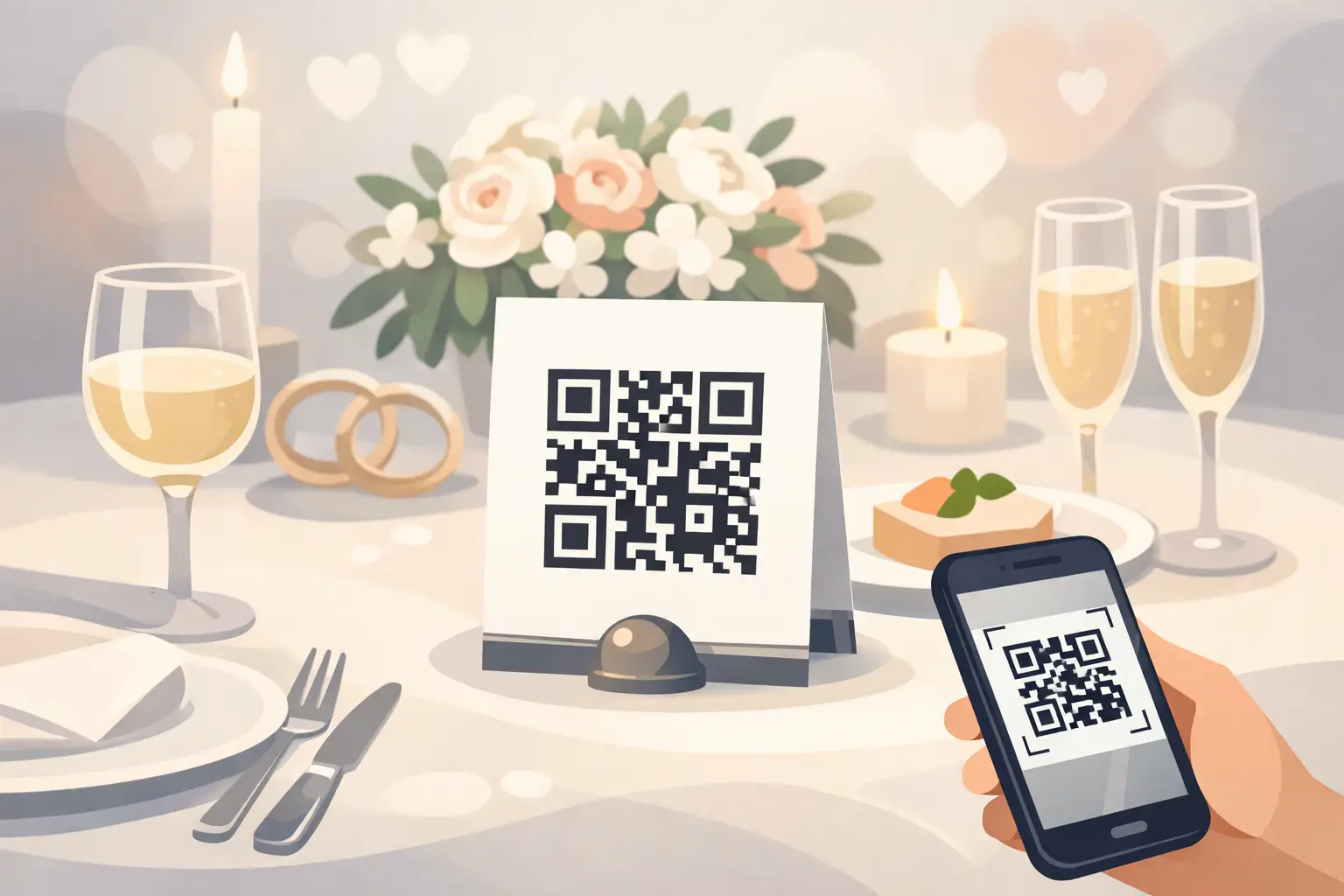
The best wedding table QR code cards disappear into the celebration. They sit beautifully beside the florals, catch a guest’s eye at just the right moment, and turn a quick scan into a photo you would have otherwise missed forever. That is the real job - not just looking polished on the table, but making it effortless for people to share the candid, funny, teary, imperfect moments that rarely make it to your camera roll.
For most couples, the problem is not getting too few photos. It is getting them in all the wrong places. A few end up in text threads. A dozen live in someone’s Instagram story for 24 hours. Your college friends AirDrop each other the best dance floor shots, and your aunt promises to send hers later, then forgets. By the next morning, your wedding memories are already scattered.
Wedding table QR code cards solve that when they are done well. Guests scan, upload in their browser, and move on with the party. No app. No account. No awkward instructions from the DJ. Just one simple action repeated across every table, all night long.
Why table cards work better than one big sign
A single welcome sign with a QR code can help, but it depends on timing. Guests have to notice it when they arrive, understand what it is for, and remember to use it hours later when the reception gets lively. That is a lot to ask.
Table cards work because they meet guests where they already are. People sit down, pick up the menu, glance at the centerpiece, and naturally notice the card in front of them. The prompt feels immediate. Take a photo, scan the code, upload it now. That small shift matters.
There is also a practical benefit. At a wedding with 80, 120, or 200 guests, repeated visibility is what drives participation. One code at every table creates gentle reminders throughout dinner, toasts, and dancing. You are not relying on memory. You are designing for behavior.
What makes wedding table QR code cards actually effective
Pretty is not enough. A card can match your stationery perfectly and still fail if guests do not know what to do within two seconds.
The best cards are visually clear first, decorative second. The QR code should be large enough to scan in dim reception lighting. The instruction should be short and human, something like “Scan to share your photos and videos.” If the wording gets too clever, the action gets lost.
Placement matters too. Cards should be upright or easy to spot, not buried among candles, chargers, and layered paper goods. If your tables are already full, a tent card usually works better than a flat insert. Guests should not have to pick something up and inspect it to understand it.
Then there is the upload flow itself. This is where many QR photo setups fall apart. If scanning leads guests to a page that asks them to download an app, create a password, or dig through confusing permissions, you will lose people fast. Especially older guests. Especially busy guests. Especially anyone holding a cocktail in one hand and a phone in the other.
That is why browser-based uploading matters so much. The simpler the path from scan to upload, the more complete your album becomes.
The design balance: elegant, but obvious
Couples often worry that QR cards will look too techy for a beautiful reception. It is a fair concern. Weddings are emotional and tactile, and no one wants the tables to feel like a trade show.
But the answer is not hiding the function. It is integrating it. A well-designed wedding table QR code card should feel like part of the paper suite, not a random add-on. Clean typography, a restrained layout, and enough white space around the code usually do more for the look than ornate decoration.
This is one of those it-depends choices. If your wedding style is formal and minimal, a quiet monochrome card may fit perfectly. If your reception is playful and colorful, the wording can feel more relaxed. What should stay consistent is clarity. Guests should know, at a glance, that this is how they can contribute to your shared album.
What guests need from the experience
Guests are generous with photos when the process respects their time. They are far less generous when sharing feels like admin.
The ideal experience is simple enough that no explanation is needed. They scan the code. A private album opens in their browser. They select photos and videos. They upload. Done.
That simplicity changes the mood around participation. Instead of asking guests to remember a hashtag, text files later, or send images one by one after the wedding, you give them a single easy action in the moment the memory is happening. That is why more candid content gets captured - not because guests suddenly become more organized, but because the friction disappears.
Privacy matters here too. Many couples want guest photos without pushing everyone into a public social feed. A private album feels much more aligned with the wedding itself. Personal, contained, and meant for the people who were there.
Where to place table QR cards for the best results
Reception tables are the anchor, but they should not be the only touchpoint if you want strong participation. The smartest setups repeat the same action in a few well-chosen places without making the room feel over-signaged.
Guest tables are your main conversion point because people spend time there. A smaller matching sign at the bar often performs surprisingly well too, since guests wait there with phones in hand. If you are showing a live slideshow during the reception, that can reinforce the behavior again in a way that feels exciting rather than instructional.
What you do not need is clutter. More signs do not always mean more uploads. Consistency matters more than quantity. One clear message, repeated elegantly, tends to outperform five different prompts scattered around the venue.
Why this matters more after the wedding
The value of wedding table QR code cards is not really measured during the reception. It shows up the next morning.
That is when couples realize whether their guests actually shared. Instead of chasing people down with “send me whatever you took,” you open one album and see the full story forming already. The flower girl under the dessert table. Your dad fixing his tie before the ceremony. The five-second clip of your friends screaming the lyrics on the dance floor. The blurry but somehow perfect photo your grandmother took from her seat.
These are not backup images. They are the texture of the day.
Professional photography is essential, but it is not designed to catch every side conversation, every table laugh, every spontaneous little scene happening beyond the frame. Guest uploads fill that gap. They make the memory of the wedding feel lived-in.
Choosing a system behind the cards
The card design gets attention, but the platform behind it matters more. If you are comparing options, focus less on novelty and more on what happens from scan to download.
You want guests to upload without an app or login. You want full-resolution files, not compressed versions pulled from a social platform. You want a private album that updates live, so you can actually enjoy the flow of memories while the celebration is still happening. And you want it to be easy afterward, when you are ready to save everything in one place.
This is where wedding-specific tools stand apart from generic file-sharing setups. They are built for real reception conditions - mixed ages, spotty attention, low lighting, and zero patience for extra steps. wed.photo is designed around that exact reality, which is why the cards do more than look good on the table. They lead to more uploads, less chasing, and a much more complete album.
A small detail that changes the whole memory
Wedding planning is full of details that look beautiful for one night. Table QR cards are different. They still belong in the design of the day, but their real value lasts longer. They help you keep the parts of the wedding that would otherwise vanish into other people’s phones.
If you are using them, treat them like a guest experience detail, not just a tech feature. Make them easy to notice. Make them effortless to use. And make sure the scan leads somewhere simple, private, and fast. Because the best wedding memories are rarely the posed ones people promise to send later. They are the candid ones you get to wake up to all at once.