12 Wedding Upload Link Ideas Guests Will Use
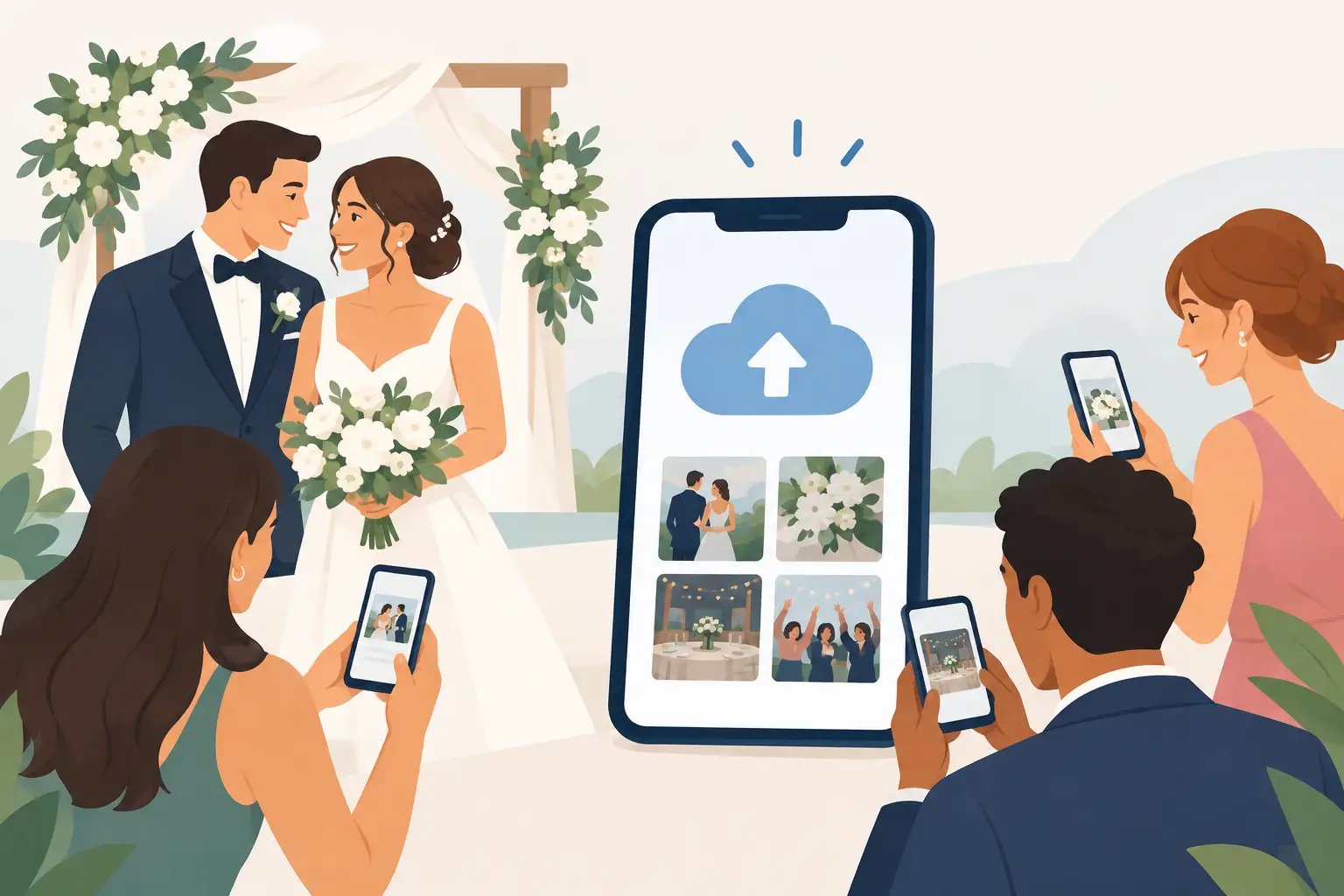
Your wedding photographer will capture the first kiss. Your guests will capture your grandmother laughing during cocktails, the flower girl’s dance-floor spin, and the late-night hugs you were too busy to see. The right wedding upload link ideas make it wonderfully easy for those moments to find their way back to you.
A link alone is not the whole experience. Guests need to notice it, understand it in seconds, and feel comfortable using it. When the invitation feels personal and the upload process is effortless, you get more than a handful of photos in a group chat. You wake up to a fuller story of the day.
What Makes a Wedding Upload Link Work?
The best wedding upload link is simple enough for every generation in the room. Guests should be able to scan a QR code, open a page in their browser, and add photos or videos without downloading an app, making an account, or wondering where their files went.
Presentation matters, too. A QR code printed on plain paper near the bar can work, but a thoughtfully worded sign placed where guests naturally pause will get far more attention. Give people a clear reason to participate: you want to see the day through their eyes.
Privacy is the final piece. A private album gives guests confidence that they are sharing with the couple, not posting to a public feed. With a wedding-focused platform like wed.photo, uploads can land in one private, full-resolution album as the celebration unfolds.
12 Wedding Upload Link Ideas for Your Celebration
1. Put it on the welcome sign
Your welcome sign is one of the first things guests see, making it a natural home for your upload link. Add a small QR code and a warm line such as, “You’re part of our favorite day. Share the moments you catch.” Keep the code large enough to scan from a comfortable distance, especially if guests are arriving in a rush.
2. Add a note to each table card
Table cards are one of the most effective placements because guests have time to notice them between courses. Use a simple message: “Snap a photo. Scan here. Help us remember it all.” Place one card per table, or one at every two settings for larger tables.
Choose a design that matches your stationery rather than making it look like an instruction sheet. The QR code can feel like part of the decor when it is paired with your wedding colors, typography, and a clean frame.
3. Turn the bar sign into a photo prompt
Guests naturally gather at the bar, which makes it an ideal place to invite a quick upload. Try wording that fits the mood: “Sip, snap, share.” For a formal celebration, use, “A toast to the newlyweds - and every photo you take.”
This placement works especially well for candid cocktail-hour photos, before the dance floor gets busy and phones disappear into pockets.
4. Include it in the ceremony program
A ceremony program reaches nearly everyone, including guests who may not spend much time at the reception. Keep the request respectful of the moment: “After the ceremony, share your photos with us here.”
If you prefer an unplugged ceremony, say so clearly. You can still include the QR code with a note asking guests to use it during cocktails and the reception instead.
5. Add it to your escort card display
The escort card table creates a brief pause where every guest looks down and searches for their name. A small sign beside the display can say, “Found your seat? Now help us save the memories.” It is a subtle invitation, not a big announcement.
This is also a smart backup location if guests miss the welcome sign while greeting family or checking the schedule.
6. Feature it beside the guest book
Your guest book already asks guests to leave something behind. Pairing it with an upload link makes the idea feel intuitive: write a note, then share a memory.
Use language that connects both keepsakes: “Leave us a few words and a few photos we’ll never want to forget.” A QR code beside the book is particularly helpful for guests who took pictures during the ceremony or cocktail hour.
7. Make it part of the photo booth moment
If you have a photo booth, place your QR code at the exit or on a small tabletop sign nearby. Booth photos are fun, but guests often take their own behind-the-scenes shots while waiting in line, posing, or cheering someone on.
The prompt can be playful: “The booth got one version. Show us yours.” It gives people a reason to share the outtakes, selfies, and spontaneous group photos that might otherwise stay on their camera roll.
8. Use a dance-floor sign after dinner
A sign near the dance floor catches guests when the energy is highest. Keep it short and lively: “If it made you smile, upload it.” This is where you are likely to collect joyful, imperfect, unforgettable footage.
For evening receptions, make sure the QR code has enough contrast and light to scan. A dark sign with a tiny code may look elegant but can be frustrating after sunset.
9. Add the link to your wedding website
A wedding website is useful before the event, but it is also valuable afterward. Add your upload link to a post-wedding message so guests who took photos can contribute once they are home and connected to Wi-Fi.
This is a gentle second chance, not a chase. A simple note like, “Still smiling about yesterday? We would love to see any photos or videos you captured,” feels personal and easy to act on.
10. Share it in a next-day thank-you text
Not everyone will scan a code at the reception. Some guests are fully present, some have low phone batteries, and some simply forget. A next-day group text or message gives them a calm, convenient way to upload from home.
Keep the message brief and appreciative. Thank them for celebrating, then invite them to add their favorite moments. The best upload tools preserve full-quality files, so guests do not need to compress videos or send them one by one.
11. Give your wedding party a special prompt
Your wedding party has access to moments no one else sees: getting ready, the quiet pause before the ceremony, the getaway car, and the after-party. Ask them directly to use your upload link throughout the day.
You do not need a long speech about it. Send a message before the wedding: “You’ll have the best behind-the-scenes view. Please add anything you capture to our album when you can.” Their contributions often become the most personal part of the collection.
12. Display it in your live reception slideshow
If you are showing guest photos during the reception, include the QR code at the beginning, during transitions, or beside the screen. Seeing fresh photos appear makes the invitation feel real. Guests understand that their uploads are part of the celebration, not a task for later.
There is a trade-off here: a live display can encourage participation, but it should be moderated or private if you want more control over what appears. Choose the setup that fits your comfort level and crowd.
Keep the Message Clear, Not Clever
A creative phrase is lovely, but clarity gets uploads. Guests should immediately know three things: this is for photos and videos, it is for the couple, and scanning the code is all they need to do.
Avoid asking guests to download an app, join a social platform, or send files by text afterward. Each extra step loses people. The most successful setup feels almost invisible: scan, upload, return to celebrating.
It also helps to use the same QR code everywhere. One album, one destination, one familiar message. Repetition makes participation easier without making your decor feel crowded.
Choose Placements That Match Your Wedding
You do not need all 12 wedding upload link ideas. For an intimate dinner, a welcome sign, guest book, and next-day message may be plenty. For a 200-person reception, use several touchpoints: table cards, bar signage, the dance floor, and a follow-up message.
Think about your guests, not just your aesthetic. Older relatives may prefer a clearly printed tabletop card. Your friends may respond fastest to a next-day text. A destination wedding may benefit from a reminder after guests return home and have reliable Wi-Fi.
The goal is never to turn your reception into a content assignment. It is to leave a beautiful, low-pressure invitation in the places people already gather.
When the last song ends, the best gift is not more notifications to manage. It is opening one private album and finding the little moments you did not know anyone saw.