Where to Store Wedding Videos Privately Safely
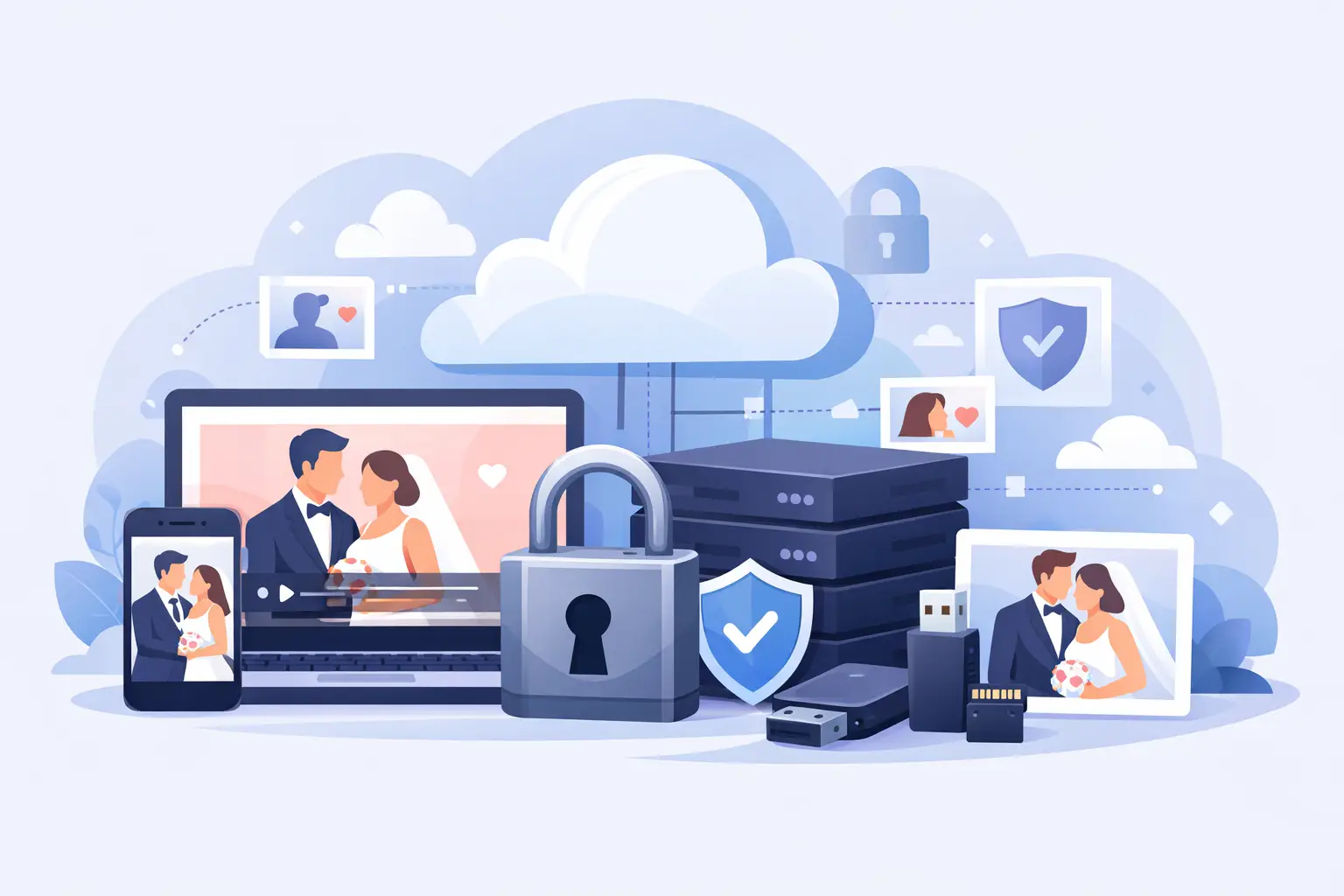
The dance floor video your cousin took at 11:47 p.m. may become one of your favorite memories of the entire night. So might the shaky clip of your grandparents laughing at dinner, the voice memo from a college roommate, or the quiet video your partner’s sister captured while you were greeting guests.
That is why deciding where to store wedding videos privately is about more than clearing space on your phone. You need a home for the moments that feel personal, keep their original quality, and stay easy to find when the group chat has gone quiet.
Private storage should feel simple, not secret
Wedding videos are personal by nature. They can include emotional speeches, children, family members who prefer not to be posted publicly, and the candid behind-the-scenes moments that were never meant for social media. A public folder or a social platform may be convenient in the moment, but it gives you less control over who sees your day and how long the files remain available.
The best private option gives you ownership without creating work for everyone else. You should be able to decide who can view, upload, download, or share. Your guests should not need to make an account, download an app, or remember a complicated password just to send you a 20-second video.
For most couples, the right answer is a private wedding album built for guest uploads, backed up by a second location you control. That combination keeps collection easy during the celebration and preservation secure after it.
The best places to store wedding videos privately
A private wedding video album
A wedding-specific private album is often the most useful place to begin because it solves the problem before the files scatter. Guests upload directly into one shared space, so you are not chasing videos through text threads, social DMs, email attachments, and AirDrop requests for weeks afterward.
Look for an album that is private by default, preserves full-resolution uploads, and gives you a clear way to download everything afterward. A single QR code is especially helpful at a wedding: place it on table cards, near the bar, or by the guest book, and guests can contribute from their browser in seconds.
This is where a platform like wed.photo fits naturally. It gives each celebration a private, shareable album where guests can add photos and videos without an app or login. Instead of asking everyone to send files later, you create one beautiful place for the candid footage as it happens.
The trade-off is that a shared album is designed for collection and viewing, not necessarily as your only forever archive. Once the wedding is over, download the full library and keep a second copy somewhere under your direct control.
A personal cloud drive
A private cloud drive is a practical long-term home for your final video collection. Create a dedicated wedding folder, upload the original files, and organize them in a way that will still make sense five or ten years from now.
Keep access restricted to you and your partner, then create separate share links only when you want to send a particular video to family. This approach is ideal for preserving your complete archive, including professional footage, guest videos, ceremony recordings, and edited highlight films.
Cloud storage is reliable, but it is not always guest-friendly. Large videos can be slow to upload, storage limits can interrupt the process, and some guests will not bother if they need to sign in. Use it as your archive rather than your main guest collection tool.
An encrypted external hard drive
A hard drive gives you a physical backup that does not depend on a subscription, an internet connection, or a company’s future policies. For irreplaceable wedding files, that independence is reassuring.
Choose a reputable drive with enough room for both your raw and edited files. If privacy is a priority, use encryption or password protection. Store it somewhere dry and safe, separate from your laptop, and label it clearly. “Wedding archive 2026” is far more useful than “New Drive.”
The limitation is simple: one drive can fail, get misplaced, or be damaged. It is a strong backup, not a complete backup plan by itself.
A family-only shared folder
Sometimes you want a smaller circle to enjoy the videos without giving every guest access to every moment. A family-only folder can work well for ceremony footage, speeches, first-look videos, or clips involving children.
This option is best after you have gathered and reviewed the full collection. Share it with the people you choose, and make expectations clear: viewing is welcome, reposting is not. A thoughtful boundary protects the feeling of the day without making it feel locked away.
What “private” should actually mean
Not every storage option that says private offers the same level of control. Before uploading your wedding videos, check what happens once a file is shared. Can anyone with a link access it? Can guests forward that link? Is the album searchable or publicly indexed? Can you remove access later?
A private setup should let you control the guest list, turn sharing on or off, and keep files out of public search results. It should also make it easy to remove an upload if someone accidentally adds the wrong video.
Privacy is not only about security settings. It is also about avoiding unnecessary exposure. You should not have to post your wedding on a social feed just to collect a video from a friend.
Preserve the original files, not just the memories
Video quality is easy to lose. Messaging apps often compress clips. Social platforms may reduce resolution further. A video that looks fine on a phone today can feel noticeably soft when you watch it on a larger screen years later.
Whenever possible, save the original uploaded file. This matters most for speeches, vows, ceremony clips, and spontaneous videos you may want to include in an anniversary edit later. Full-quality files also give you more flexibility if you decide to make a photobook, slideshow, or keepsake film.
Ask your photographer and videographer how they will deliver final footage, too. Keep their files separate from guest uploads at first, then create a master folder that includes both. Your professional film tells the polished story. Your guests’ clips capture the texture around it.
A storage plan that will still work after the honeymoon
The safest approach is not choosing one place. It is keeping your collection in more than one place, with each location doing a different job.
Use a private wedding album to gather videos while the memories are fresh. Download the full collection once uploads have slowed down. Save that download to a personal cloud folder and an encrypted external drive. If you want to share selected clips, make a separate family folder rather than opening your entire archive.
A simple naming system helps more than people expect. Start folders with the date, then add a clear label, such as “2026-06-14 Wedding Guest Videos” or “2026-06-14 Ceremony and Speeches.” Inside, separate guest uploads, professional footage, edited films, and favorites. You will thank yourselves when you are looking for one particular toast on your fifth anniversary.
Before you choose, ask these five questions
- Can guests upload without downloading an app or creating an account?
- Are albums private by default, with clear controls over access?
- Will videos stay in their original resolution?
- Can you download every file in one organized batch?
- Do you have a second backup after the event?
If an option makes any of those answers difficult, it may create more work than it saves. Weddings move quickly. Your video collection should not depend on guests remembering another task once they are back home.
The best wedding archive does not ask you to choose between privacy and togetherness. Let your guests add the moments you missed, keep the full collection in a place that belongs to you, and save it with enough care that opening it years from now feels like stepping back into the room.