Do Guests Register to Share Wedding Photos?
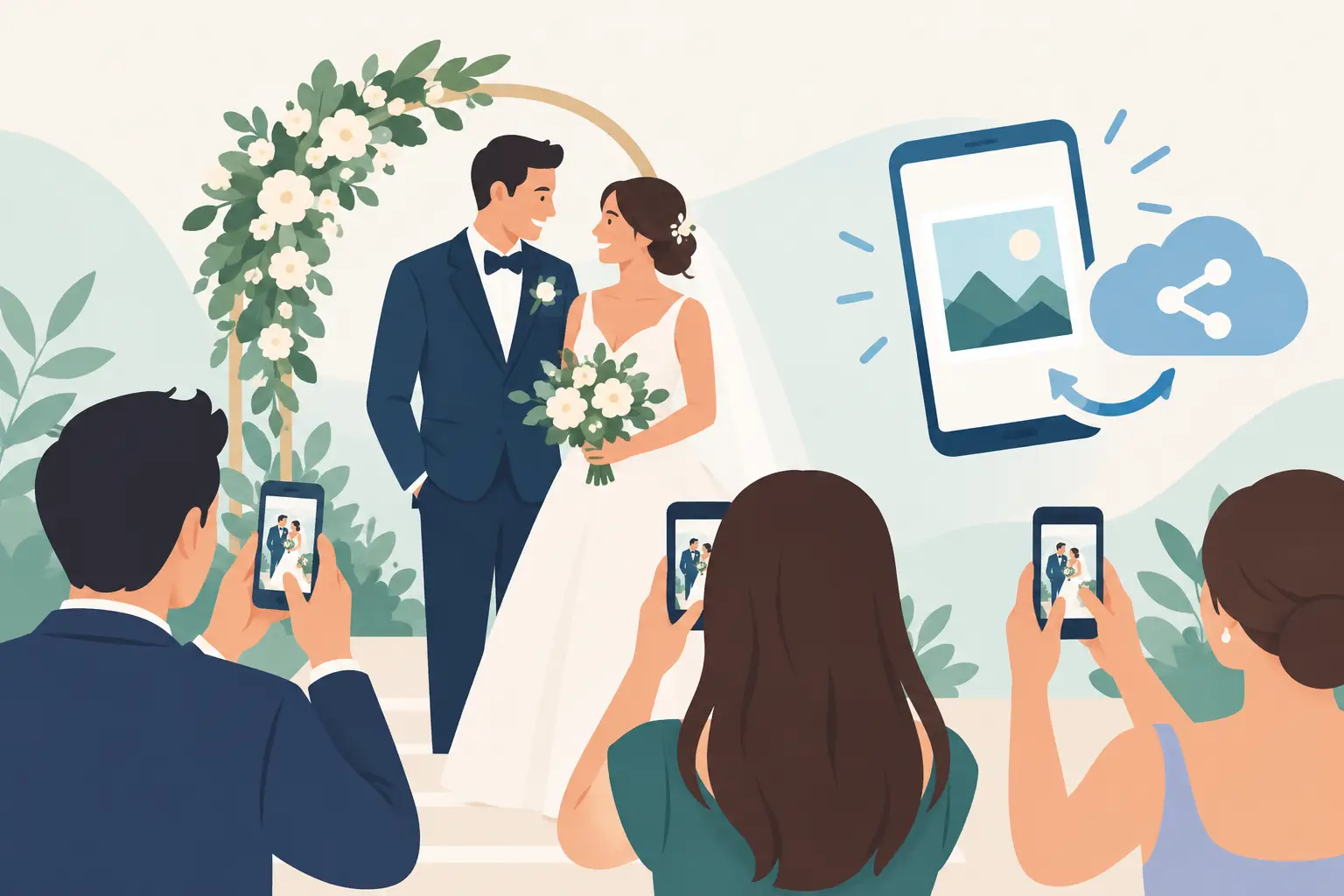
The last thing your guests need between the ceremony, cocktail hour, and dance floor is another account to create. When couples ask, “do guests register before they upload?” what they usually mean is: will this be easy enough that everyone actually participates?
For a wedding photo-sharing experience to work, the answer should be simple. Guests scan a QR code, choose their photos or videos, and upload. No app. No password to remember. No inbox verification standing between you and the candid moments you would otherwise never see.
Do Guests Register for Wedding Photo Sharing?
It depends on the platform you choose. Some event-sharing tools require guests to download an app, sign in through a social account, or create a profile before they can contribute. That might sound minor during planning, but it creates a real drop-off on the day.
A guest who is holding a drink, greeting family, or trying to capture your first dance is unlikely to stop and complete a registration flow. Some will plan to upload later, then forget. Others may not be comfortable downloading an unfamiliar app at all. The result is familiar: a handful of photos arrive in a group text, a few more live in someone’s camera roll, and the rest disappear into the post-wedding blur.
The better approach is guest access without guest accounts. A QR code can take each person directly to a private upload page in their phone browser. They can add the photos and videos they took in seconds, while the memory is still fresh.
That simplicity is not just a nice extra. It is what turns a photo-sharing idea into a complete wedding album.
Why Registration Creates Friction at a Wedding
Registration is useful when a service needs to build an ongoing user relationship. A wedding is different. Your guests are not joining a new platform. They are helping preserve one extraordinary day.
Every added step asks for a little more attention: an email address, a password, an app download, a confirmation code, permission settings. For tech-confident friends, it may take only a minute. For your aunt, grandparents, or guests who are already managing travel and a busy weekend, it may be enough to opt out.
There is also a timing issue. The best guest photos are often spontaneous. Your college roommate catches your partner tearing up during the vows. Your cousin records the flower girl’s dramatic entrance. A friend at the back of the dance floor gets the photo that perfectly captures the energy of the room. Those moments are most likely to make it into your album when sharing is immediate.
A low-friction upload experience respects your guests’ time while giving you a much better chance of receiving the full story of the day.
The trade-off: access and privacy
No-registration sharing should not mean an album is public. These are separate decisions.
A thoughtful wedding photo platform can keep the album private while still making uploads easy. Guests access it through your unique QR code or private link, rather than searching for it online. You remain in control of the collection, and your photos are not automatically turned into a public social feed.
If privacy is especially important to you, look for options such as private-by-default albums, controls over who can view the gallery, and the ability to remove uploads that do not belong. The right experience feels welcoming to guests and protected for you.
What Guests Should Do Instead
The ideal guest journey is almost invisible. Place your QR code where people naturally pause: at reception tables, near the bar, beside the guest book, or on a small sign by the entrance. A clear line of copy helps, too: “Scan to share your photos and videos with us.”
Once guests scan, they should land on a page that immediately tells them what to do. They select files from their camera roll, upload, and return to the celebration. There is no need to hand over contact details or learn a new interface.
This matters for video as much as photos. Videos are often the first files left behind because they are larger, harder to text, and inconvenient to send one by one. A browser-based uploader gives guests a place to send those shaky, joyful, perfectly imperfect clips before they get buried under new photos on Monday morning.
At wed.photo, guests can scan, upload, and see their memories appear in one private album without creating an account. It is designed for the reality of a wedding day: people are moving, celebrating, and using the phones already in their hands.
How to Get More Guests to Upload
No registration removes the biggest obstacle, but a little thoughtful setup can make participation feel natural. The goal is not to turn your reception into a tech activity. It is simply to remind people that their point of view matters.
Use your QR code in more than one place. Table cards work beautifully because guests have time to notice them during dinner. A sign near the dance floor can catch the people taking the liveliest photos. If you are sending a welcome message or sharing a wedding website update before the event, mention that guests will be able to add their photos with a quick scan.
Your DJ, planner, or a close friend can offer one short reminder during the reception. Keep it warm and specific: “If you capture something sweet tonight, scan the code on your table so the couple can see it tomorrow.” That framing feels more personal than a general request for content.
It also helps to set the expectation that imperfect photos are welcome. Guests may assume you only want polished images, especially if you hired a professional photographer. Tell them you want the funny, unplanned, behind-the-scenes moments too. The blurry dance-floor selfie may be the one that makes you laugh the hardest a year later.
Will Guests Need an App?
They should not have to. Requiring an app adds storage concerns, download time, and a barrier for guests who do not want unfamiliar software on their phones. It can also make international guests or those with limited cell service hesitate.
A mobile browser upload page is usually the easier choice because it works from the device a guest already has. They scan the code with their camera, open the page, and contribute directly from their photo library.
That said, make sure your venue has reliable Wi-Fi or solid cellular service, especially for a larger wedding. Photo and video uploads need a connection. If your celebration is outdoors or in a remote location, ask the venue about guest Wi-Fi in the spaces where people will gather, and consider placing upload cards near the strongest signal.
What Happens After the Wedding?
The real value of easy guest uploads shows up the next morning. Instead of sending a dozen texts asking people to share their photos, you can open one organized album and start reliving the day.
Look for a service that preserves original-quality files rather than compressing everything for social sharing. Those full-resolution photos are better for printing, building a photobook, and keeping long after the group chat has gone quiet. It is also helpful when the gallery updates live, since you can enjoy candid moments during the reception or share a slideshow with the room if that fits your plans.
Your professional photos will tell the beautiful, intentional story of your wedding. Guest photos fill in the spaces around it: the hugs before the ceremony, the reactions across the room, the late-night dance moves, and all the little scenes you never had time to see.
Quick Questions Couples Ask
Can guests upload without sharing their email address?
Yes, with a no-registration setup. Guests can contribute through a private QR code or link without creating a personal profile. This is often the best option for participation, especially across different age groups.
Can anyone who scans the QR code see the album?
That depends on the privacy settings of the service. Choose a private album and review whether guests can view uploads, upload only, or both. A private link is convenient, but you should still treat the QR code like an invitation and display it only where you want it shared.
What if someone forgets to upload during the reception?
Keep the album available after the wedding and send the QR code or private link in your thank-you message. You will likely receive a second wave of photos once guests are traveling home and scrolling through their camera rolls.
The easiest question to answer is the one your guests never have to ask. Give them one code, one quick upload, and a beautiful place for every memory to land.