How to Setup a Wedding Guest Upload Station
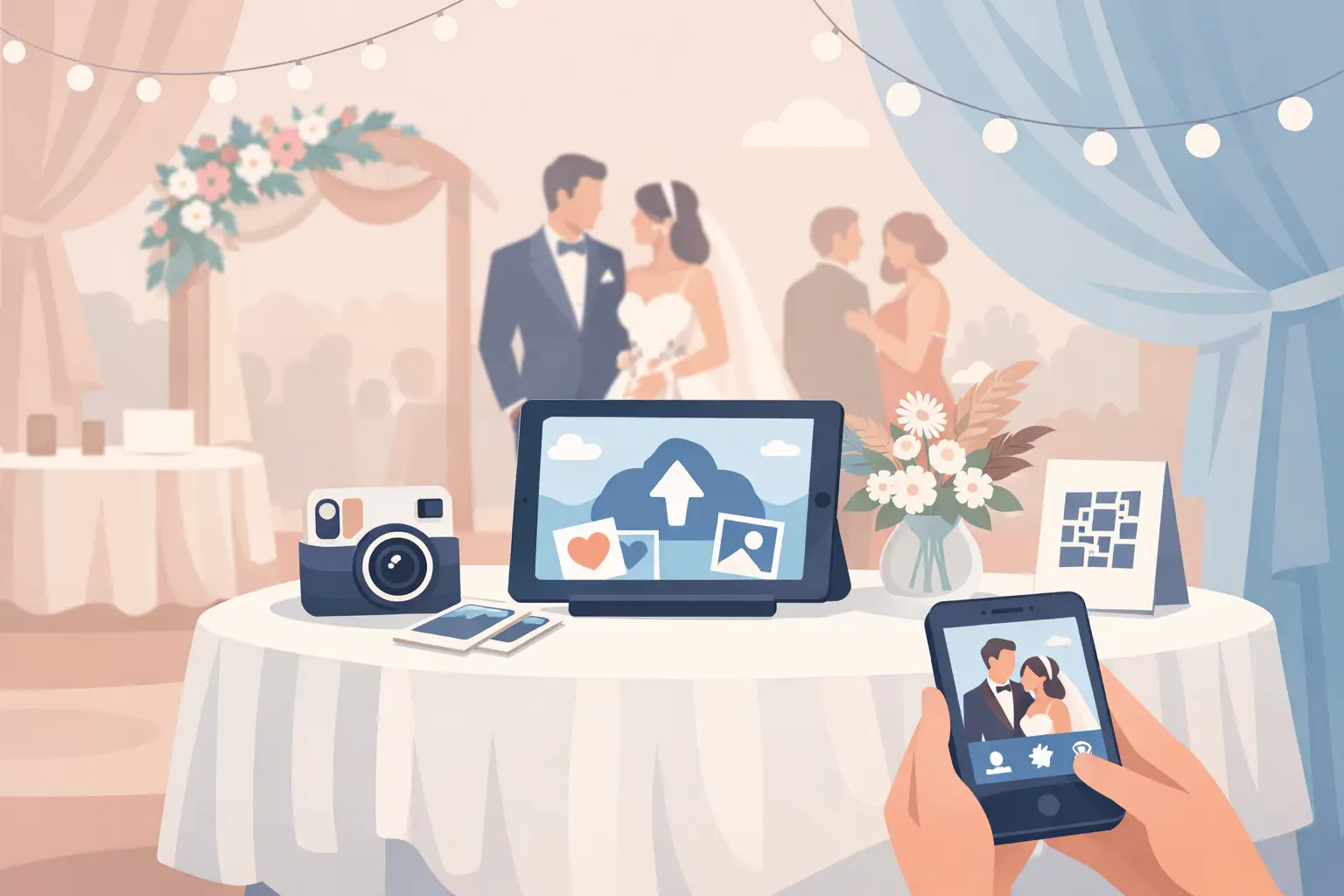
The best wedding photos are rarely all taken by the photographer. They happen when your college roommate sees you before the ceremony, when your grandmother starts dancing, and when friends crowd around the late-night snack table. If you want to setup wedding guest upload station that actually captures those moments, make it feel like a natural part of the celebration, not another task on the to-do list.
A great station gives guests one clear action: scan, upload, celebrate. No app to download. No account to create. No post-wedding text thread where photos slowly disappear into the scroll.
Start with one private album and one QR code
Create your guest photo album before the wedding, then connect it to a single QR code. That code should take guests directly to a mobile-friendly upload page where they can add photos and videos from their phones in seconds.
The simpler the path, the more memories you will receive. Asking guests to search for a hashtag, find a social profile, or install an app creates small barriers that add up. Some people will forget. Others will mean to do it later. Later is when the best candid photos get buried under everyday life.
A wedding-specific platform such as wed.photo keeps the experience focused: guests scan the code in their browser, upload at full quality, and see new memories appear in the private gallery as the night unfolds.
Before printing anything, test the full journey on your own phone. Scan the QR code from a few feet away, open the upload page, add a test image, and confirm it lands in the correct album. Then ask someone who was not involved in planning to try it. If they hesitate at any point, simplify the wording or the placement.
Choose the right location for your upload station
One beautiful sign near the guest book is a lovely start, but it should not be your only touchpoint. Guests arrive in waves, move between spaces, and may not notice a station while finding their table or greeting family.
Place the main upload station somewhere guests naturally pause: beside the welcome sign, near the card table, or just outside cocktail hour. Make it visible without putting it in a bottleneck. A small framed sign on a clean table, paired with flowers or a candle that matches your decor, feels intentional rather than technical.
Then reinforce the same QR code where people will be taking photos. Table cards work especially well during dinner, when guests have a moment to look around and share the images already in their camera roll. A bar sign, lounge-area card, or small note near a photo booth can help, too.
Use two or three placements for an intimate wedding. For a larger reception, use the main sign plus a card at every table. You do not need to turn every surface into signage. You simply want the code to be easy to find at the exact moment someone thinks, “I should send them this.”
Make the sign easy to understand at a glance
Your design can be elegant and still be direct. Include a short headline, the QR code, and one reassuring line about what happens next. Guests should not have to decode the purpose of the sign.
Try language such as: “Share the moments we missed,” “Scan to add your photos and videos,” or “No app. No login. Just memories, together.” If you plan to display a live gallery during the reception, say so. People often upload more quickly when they know their photo could become part of the evening.
Keep the QR code large, high contrast, and surrounded by plenty of open space. Avoid placing it over a patterned background, a glossy photo, or tiny decorative details. Print a test copy at the final size and scan it in normal indoor light. A code that works on your computer screen is not automatically easy to scan across a dim reception room.
Give guests a reason to upload now
Even the clearest station benefits from a gentle nudge. A quick mention from your DJ, bandleader, officiant, or a trusted member of the wedding party can make a meaningful difference.
The message does not need to interrupt the celebration. During dinner or before open dancing, ask for a 10-second announcement: “If you captured a favorite moment today, scan the QR code on your table to add it to the couple’s private album.” It is warm, specific, and tells guests exactly what to do.
Timing matters. Mention the gallery once after the ceremony, when people have fresh photos from cocktail hour, and once later in the reception, when dancing and speeches are underway. Do not repeat it every hour. The goal is an invitation, not a reminder loop.
If your album includes a live slideshow, let that be part of the fun. Guests enjoy spotting familiar faces on screen, and the gallery becomes a shared experience instead of a collection chore. Just keep expectations realistic: live displays are wonderful for personality and energy, while the complete album is the real keepsake you will download afterward.
Prepare for real wedding-day conditions
A guest upload station is simple, but weddings are full of variables. Cell service can be weak at a rural venue, a crowded ballroom can strain Wi-Fi, and some guests will want a little help. A few thoughtful choices prevent friction.
First, ask your venue whether guest Wi-Fi is available and whether the password can be displayed nearby. If Wi-Fi is unreliable, do not panic. Many guests can upload over cellular service, but it is wise to place the station where reception is strongest. If you are hosting in a remote location, consider including a line that reassures guests they can upload later from home using the same code.
Second, designate one person who knows how the station works. This should not be you. A maid of honor, sibling, planner, or tech-comfortable friend can answer the occasional question without pulling you away from your own party.
Finally, make it accessible. Use large type, plain language, and a tabletop sign that can be read without bending down. Older relatives may appreciate a brief personal prompt: “Grandpa, scan this with your camera and it will open the family album.” Once they see how little is required, most guests are happy to participate.
Avoid the common setup mistakes
The most common mistake is making the experience too complicated. A clever custom hashtag may look nice, but it does not collect full-resolution files or private videos from guests who do not use social media. A shared drive can work for a small group, but it asks people to sign in and navigate folders. Group texts create even more disorder, often compressing files along the way.
Another mistake is waiting until after the wedding to ask. By then, guests are traveling, returning to work, and clearing storage from their phones. You may still receive a few favorites, but you will miss the spontaneous clips and in-between images that tell the real story of the day.
Do not overdesign the instruction card, either. Your stationery can match the wedding perfectly, but the call to action should remain unmistakable. One QR code. One sentence. One destination.
What to do after the reception
Leave the album open for a short window after the wedding. Not everyone will upload from the dance floor, and some guests will take thoughtful photos the next morning while waiting at brunch or the airport. A friendly follow-up message within a day or two can catch those final memories.
Keep it simple: thank everyone for celebrating, share the same QR code, and invite them to add any last photos or videos. Do not frame it as a request for favors. You are giving friends and family a place to contribute to the story they helped create.
When uploads slow down, download and save the full collection in more than one place. Your professional gallery will preserve the polished, planned moments. Your guest album will hold the laughter in the background, the blurry dance-floor videos, the hugs you did not see, and the angles only your people could capture.
The station itself may be a small sign on a table. What it gives you is much bigger: a wedding remembered from every corner of the room.