Wedding Reception Slideshow From Guest Photos
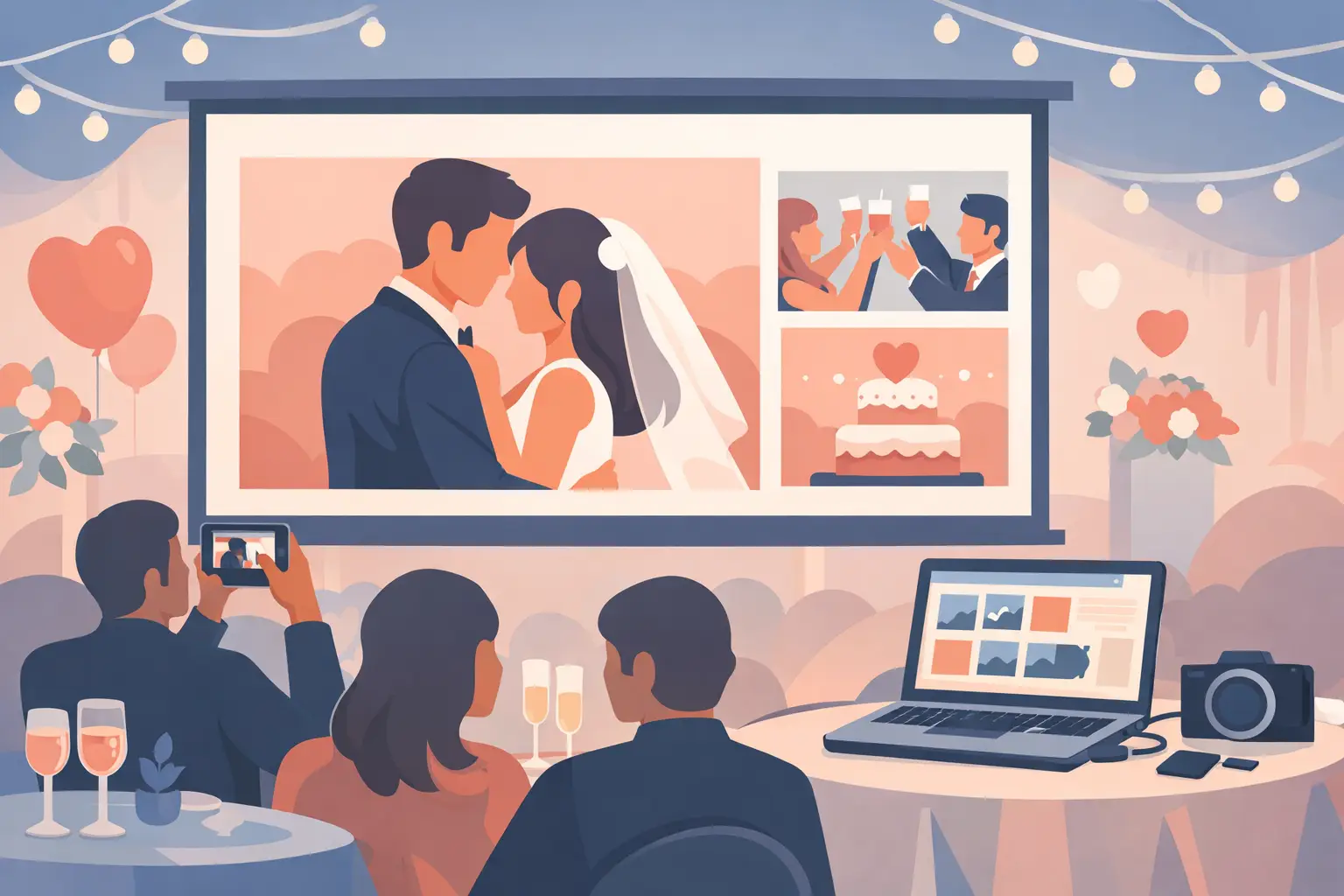
The best slideshow at a wedding is rarely the one built weeks in advance. It is the one filling up in real time - table selfies, blurry dance floor joy, your college friends recreating a photo from ten years ago, your grandparents smiling during dinner. A wedding reception slideshow from guest photos captures the part of the day no shot list ever can.
That is exactly why more couples are skipping the old approach of asking everyone to text photos later. Later usually means never, or worse, a few compressed screenshots buried across six group chats. If you want a reception slideshow that actually feels alive, the collection process has to be easy enough that guests participate without thinking twice.
Why a wedding reception slideshow from guest photos works so well
Professional photography gives you the polished version of your wedding day. Guest photos give you the atmosphere. They catch the in-between moments - your friends laughing at cocktail hour, the flower girl under a table, the packed dance floor from the point of view of the people inside it.
When those images appear during the reception, the room feels more connected to the celebration unfolding around it. Guests love spotting themselves on screen. Couples get to see pieces of the day they missed before the night is even over. It turns the slideshow from a passive display into part of the event itself.
There is also a practical advantage. If guests are already uploading photos into one place during the wedding, you are not starting from zero the next morning. You are waking up to a fuller album, not a follow-up project.
The old way breaks down fast
A slideshow sounds simple until you think about how the photos actually get there. If the plan depends on people downloading an app, making an account, or remembering a custom hashtag, participation drops. If it depends on one friend collecting photos by text and forwarding them to someone running the screen, quality drops too.
This is where couples get stuck. They want the spontaneous energy of guest photos, but they do not want another moving part on a day that already has enough logistics.
The best setup removes every avoidable step. Guests scan, upload, and move on with the party. No app. No login. No confusion at the table.
What makes a good guest-photo slideshow setup
A strong wedding reception slideshow from guest photos is less about flashy display software and more about friction. If uploading takes longer than a few seconds, people will tell themselves they will do it later. Most will not.
That is why QR-based photo collection works so naturally at weddings. Guests see a table card, scan it in their browser, choose photos or videos, and upload directly. The gallery updates live, which means the slideshow can keep refreshing with new memories throughout the night.
That kind of flow matters more than couples expect. It keeps the experience elegant for guests and manageable for whoever is helping behind the scenes. You are not assigning a cousin to become the unofficial tech support person at table seven.
Privacy matters here too. Many couples want the fun of shared photos without posting their wedding publicly. A private album gives you that balance. Guests can contribute easily, and your memories are still gathered in a space that feels personal rather than exposed.
Where the slideshow fits into the reception
Not every wedding uses the slideshow the same way, and that is a good thing. For some couples, it is a quiet backdrop during dinner. For others, it becomes part of the energy between speeches and dancing. It can work beautifully near the bar, beside the guest book, or on a main screen if your venue already has one.
The key is timing. Early in the reception, the slideshow may start with a handful of uploads and build momentum as more guests notice it. By the time the dance floor opens, it often becomes more entertaining because the photos are looser, funnier, and more candid.
If your crowd is very social and phone-comfortable, the gallery will likely fill quickly. If your guest list skews older, clear signage and a very simple upload flow matter even more. Most guests are happy to participate when the instructions are obvious and the process feels instant.
How to get more guests to upload photos
The truth is, most guests are willing. They just need one clear invitation.
Printed QR cards on tables are usually the easiest prompt because they meet people exactly where they are sitting. A short line of copy helps. Something warm and direct works best: share your photos here, see them live tonight. That tells guests what to do and why it is fun.
It also helps to mention it once out loud. Your DJ, planner, or a member of the wedding party can give a quick reminder after dinner or before dancing starts. Keep it brief. The goal is not to make it feel like an assignment. It is to make guests realize their photos will actually be seen and enjoyed.
Visual feedback matters too. Once people notice new photos appearing on the screen, participation tends to grow on its own. Nobody wants to miss the chance to add the table shot everyone else will laugh at later.
The trade-offs to think through before you start
Live slideshows are wonderful, but they are not fully hands-off. A little planning goes a long way.
First, consider your venue setup. You will need a screen or display option that is visible enough to enjoy without taking over the room. In a black-tie ballroom, couples often want the slideshow to feel integrated and polished rather than loud. In a more casual reception, it can be more playful and prominent.
Second, think about moderation. Some couples are comfortable letting the gallery update freely. Others prefer a layer of review, especially if younger guests or heavy dance floor energy might produce photos they would rather not feature publicly during dinner. It depends on your crowd and your comfort level.
Third, remember that Wi-Fi quality can affect any live experience. If your venue has weak service, test in advance and ask what support is available. Even then, a simple browser-based upload system is generally easier for guests than anything that requires extra setup.
Why couples care about the album after the slideshow ends
The slideshow is the visible part. The album is the lasting part.
That is where many wedding photo-sharing options fall short. They create a fun moment during the event, then leave couples with a fragmented or low-quality collection afterward. What you really want is both: a live reception experience and a complete, organized archive you can download after the wedding.
This is where a platform built for weddings makes a difference. With wed.photo, couples can collect guest photos and videos into one private album through a single QR code, display them live during the reception, and keep the full-resolution files afterward. It stays simple for guests and genuinely useful for you.
That full-circle experience matters. The candid champagne toast your friend captured and the hilarious dance floor video from your cousin are not just reception entertainment. They become part of the record of the day.
A slideshow that feels like your wedding
The most memorable wedding tech does not feel like tech. It feels like the evening running beautifully, with fewer interruptions and more moments kept.
A wedding reception slideshow from guest photos works best when it matches the spirit of the celebration. Elegant, not fussy. Fun, not chaotic. Easy enough that every generation can join in. When the setup is right, guests contribute naturally, the room comes alive around the screen, and you leave with more than a highlight reel.
You leave with the version of your wedding only your guests could capture.
If you are planning one, keep the goal simple: make sharing effortless, keep the experience private and polished, and let the night build its own story as it happens.