What Is the Easiest Wedding Photo Sharing?
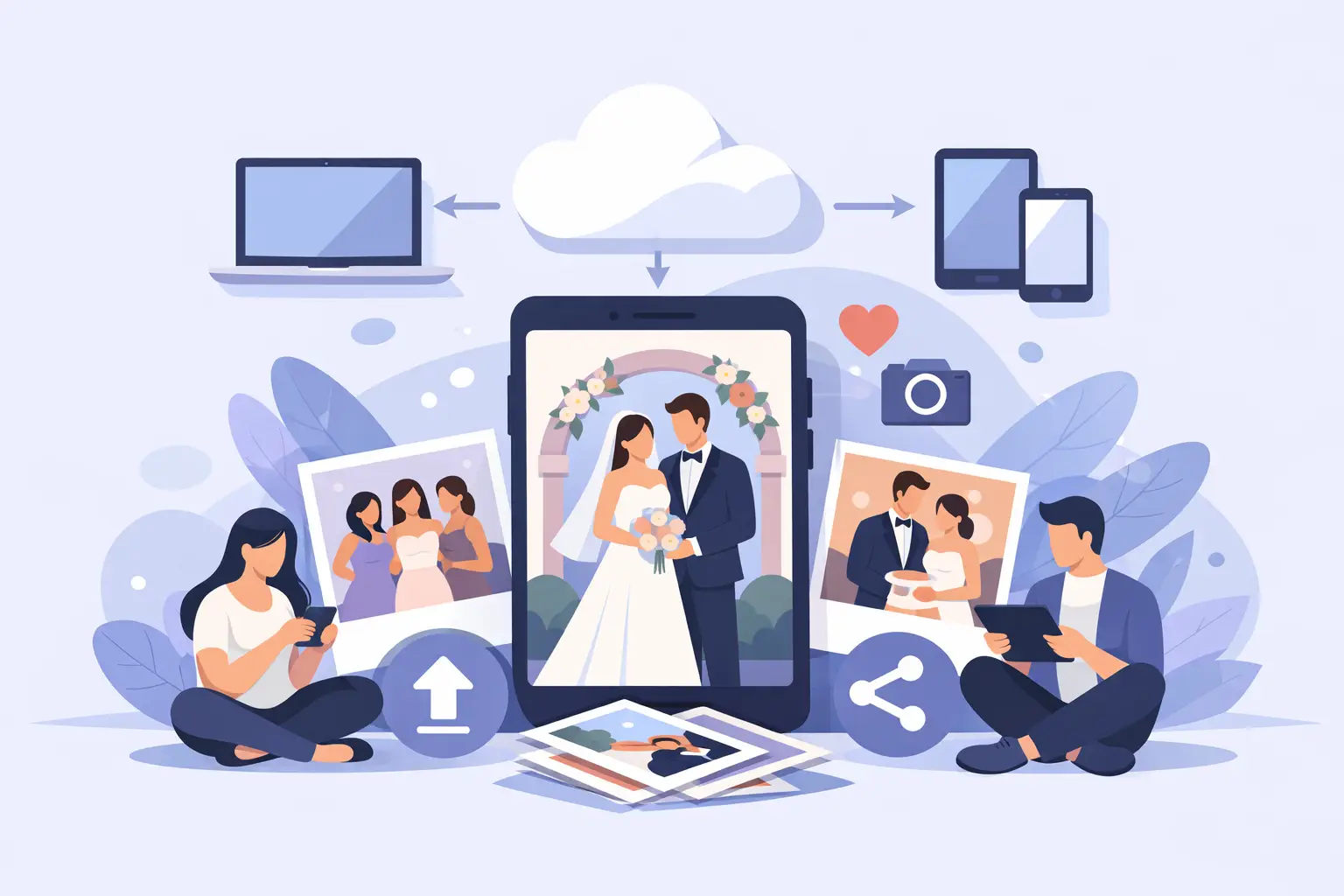
Your photographer may capture the first kiss perfectly. Your guests will capture your college friends singing too loudly at the after-party, your grandmother holding hands with a flower girl, and the look on your partner’s face when you finally sit down for dinner. The question is not whether those moments will be photographed. It is whether you will ever receive them.
So, what is the easiest wedding photo sharing? For most couples, it is one private album accessed through a QR code, where guests can upload photos and videos directly from their phones without downloading an app or creating an account.
That simple setup solves the problem that follows almost every wedding: hundreds of beautiful candid memories scattered across text threads, social posts, AirDrop requests, and phones you may never see again.
Why traditional wedding photo sharing gets messy
The old approach sounds easy at first. Ask guests to text their favorites, share an AirDrop folder, or post with a wedding hashtag. Then the wedding ends, real life resumes, and the collection process becomes a second project you did not ask for.
Text messages compress images. Group chats become noisy and difficult to search. AirDrop only works when everyone is standing nearby. Social media is public by default, and plenty of guests do not use the same platform. A shared cloud folder can work, but it often asks guests to sign in, request access, understand permissions, or remember a link they saw once.
None of these options are terrible for a small dinner with a few tech-savvy friends. They become frustrating when you have 80, 150, or 250 guests of different ages, devices, and comfort levels. The easier a system is for guests in the moment, the more complete your wedding album will be later.
What is the easiest wedding photo sharing setup?
The easiest setup has one job: give guests an obvious way to add photos in seconds.
A wedding-specific QR code album does that well. You create a private album before the event, display the QR code where guests will notice it, and let them scan it with their phone camera. The code opens an upload page in their browser. They select photos or videos, tap upload, and return to the celebration.
No app. No login. No account recovery. No need to explain which platform to use.
For the couple, every upload lands in the same organized gallery. You can watch photos appear during cocktail hour, add them to a live slideshow during the reception, and download the full collection after the wedding. The experience feels polished for guests while remaining wonderfully low-maintenance for you.
The best option removes steps, not just storage limits
Many tools can hold photos. That is different from helping people contribute them.
A generic drive folder may offer plenty of storage, but a guest who sees a long URL, a sign-in prompt, or a permissions message is less likely to upload. The same is true of an app-based solution. Even a quick download can feel like an interruption when someone is dressed up, holding a drink, and trying to get back to the dance floor.
A QR code works because it meets guests where they already are: on their phones, with their cameras open, at the event itself. It turns “send us your photos sometime” into a clear, immediate action.
The features that actually matter
Not every photo-sharing method is equally useful after the confetti is swept up. When comparing options, look beyond the word “gallery.” A good wedding photo-sharing experience should protect the quality of your memories, respect your privacy, and stay simple for every generation at the celebration.
No app or account requirement. This is the biggest factor in participation. Your guests should be able to scan, upload, and move on. If your uncle can do it as easily as your roommate, you are on the right track.
Full-resolution downloads. A candid shot can become the photo you frame, print, or turn into a holiday card. Avoid systems that shrink uploads so heavily that they look soft when printed. Your guest photos deserve to be kept in their original quality whenever possible.
Private-by-default access. A wedding gallery should not depend on public hashtags or a social platform’s privacy settings. A private album gives you more control over who sees the memories, especially when children, family moments, and late-night dance-floor photos are involved.
Photos and videos in one place. Guests often capture short clips that bring a moment back to life: your vows, a toast, the cheers after your first dance. Choose a setup that handles both without making anyone use separate folders.
A display option for the reception. A live gallery or slideshow is not essential, but it can make guest participation feel more fun. When people see candid photos appearing on screen, they understand that their contribution matters and often upload more.
A simple way to download afterward. You should not have to save hundreds of files one by one. The collection should be easy to access, keep, and revisit when the wedding rush has settled.
Make it visible, then let it run itself
The technology can be simple, but placement still matters. Guests will not upload to a QR code they never notice.
Put the code in a few natural places: on the welcome sign, at the bar, near the guest book, and on table cards. A brief line of copy works better than a long explanation. Try: “Scan to share the photos and videos from your night.” It is clear, warm, and tells guests exactly what to do.
Table cards are especially useful because they give guests a quiet moment to scan between courses. If you are using a live slideshow, mention it on the cards. People enjoy spotting the moment they just captured, and it adds another little layer of connection to the room.
You can also ask your DJ, bandleader, planner, or a member of the wedding party to make one short announcement early in the reception. One reminder is enough. Repeating it all night can make a thoughtful detail feel like homework.
When another option may make sense
The easiest wedding photo sharing method depends slightly on your guest list and priorities.
If you are hosting a tiny courthouse ceremony with six people, a family text thread may be all you need. If everyone already uses the same cloud storage service and you know they are comfortable with it, a shared folder can be perfectly practical. For a destination wedding where internet access is unreliable, guests may need to save their photos until they are back on Wi-Fi, regardless of the platform.
But for most medium-to-large weddings, a QR code album is easier because it does not assume guests use the same apps, have the same devices, or want to navigate a technical process. It is built around the reality of a wedding day: people are busy, happy, distracted, and taking photos spontaneously.
A simple wedding-day plan
Set up your album before the wedding, then test the QR code from a phone that is not yours. This small step catches unclear instructions, low-resolution printing, or a code placed too close to decorative elements.
Print the code large enough to scan easily and give it breathing room on the card or sign. Keep the wording short. If you want a curated gallery, ask a trusted friend or planner to check in occasionally and hide any accidental duplicates or blurry test shots. Otherwise, let the gallery grow naturally.
After the celebration, send one final reminder to guests within a day or two. Some people will have photos from the ceremony or after-party that they did not upload at the venue. A gentle follow-up gives those memories a path into the album before they disappear into camera rolls.
Platforms such as wed.photo are designed around this exact rhythm: create your album, place elegant QR cards, collect every candid in a private gallery, and download the full-resolution files when you are ready. The point is not more wedding tech. It is fewer loose ends.
Your wedding photographs should not live in a dozen places, waiting for you to chase them down. Give guests one easy way to share, and you can wake up to the moments you were too busy living to see.